

Kannada voice typing works in Google Docs and on Android through Gboard. Windows 11 voice typing and Word Dictate do not list Kannada (checked November 2026). On a laptop there are two routes: Google Docs, then copy the text across, or the Genie 007 desktop app, which lists Kannada and types in any Windows or Mac app.
What Kannada voice typing is and who it helps
Kannada voice typing means you speak in Kannada and the words appear as Kannada script in a document, message or search box. Some people call it Kannada voice to text, which is the same thing. Kannada is the main language of Karnataka and is spoken by tens of millions of people, but typing it on a standard keyboard is slow. The script has many consonant and vowel-sign combinations, so most people either hunt through an on-screen keyboard or type in English letters and hope a transliteration tool guesses right.
Speaking is faster for most people, which is why students, teachers, writers and office workers look for it. The catch is that support is patchy: some tools list Kannada and some do not, and the rest of this guide tells you which is which.
Kannada speech to text: which built-in tools support it
Kannada speech to text is built into a few Google products, but not into the Microsoft and Apple tools most laptop users reach for first. This table is based on each company’s own help pages, checked on 22 November 2026.
| Tool | Kannada listed? | Where |
|---|---|---|
| Google Docs voice typing | Yes | Chrome, Edge and Safari |
| Gboard voice typing | Yes (announced by Google in August 2017; test the microphone after adding the keyboard) | Android phones and tablets |
| Windows 11 voice typing | No | Windows PC |
| Word Dictate | No (not in the supported or preview lists) | Word with Microsoft 365 |
| iPhone keyboard Dictation | No (not in Apple’s Dictation list) | iPhone |
Vendors update these lists, so check the pages linked below before you rule a tool out. Because iPhone dictation did not list Kannada, this guide does not cover iPhone or Mac dictation.
Kannada voice typing on PC and laptop: what Windows 11 does and does not do
Windows 11 has a built-in voice typing tool, and Microsoft’s help page says you start it by pressing the Windows key plus H with your cursor in a text box. It lists 46 languages, including Hindi, Tamil, Telugu, Gujarati and Marathi. Kannada is not on that list, so Kannada voice typing in laptop apps through Windows itself does not work.
If you came here for a Kannada voice typing PC or laptop fix, these are the practical options.
- Use Google Docs voice typing in Chrome or Edge, then copy the text where you need it. It is free.
- Use the Genie 007 desktop app for Windows or Mac. It lists Kannada under Settings, then Input Language, and types into Word or any other app you are working in, so there is no copy and paste. Setup is in the last section.
- Dictate on your Android phone with Gboard and send the text to your laptop.
Stay away from unknown browser extensions and emulator tools that ask for microphone access, because you cannot check what they do with your voice. If you speak Telugu, Tamil or Marathi as well, Windows does support those: see our guides to Telugu voice typing, Tamil voice typing and Marathi voice typing.
Kannada voice typing in Word
Kannada voice typing in MS Word is not possible with the built-in Dictate button today. Microsoft’s Dictate page lists supported and preview languages, and Kannada is in neither. Dictate also needs a Microsoft 365 subscription, an internet connection and a microphone, and it is found under Home, then Dictate.
The free workaround is simple.
- Open a blank Google Doc and pick Kannada as the voice typing language (steps in the next section).
- Speak your text and read it through.
- Copy it and paste it into your Word file. Kannada script pastes cleanly as long as the font on your PC supports it.
Proofread once in Word before sending.
To dictate Kannada inside Word itself, with no second window, use the Genie 007 desktop app for Windows or Mac. Choose Kannada under Settings, then Input Language, put your cursor in the document and speak. The last section has the details.
Kannada voice typing in Google Docs
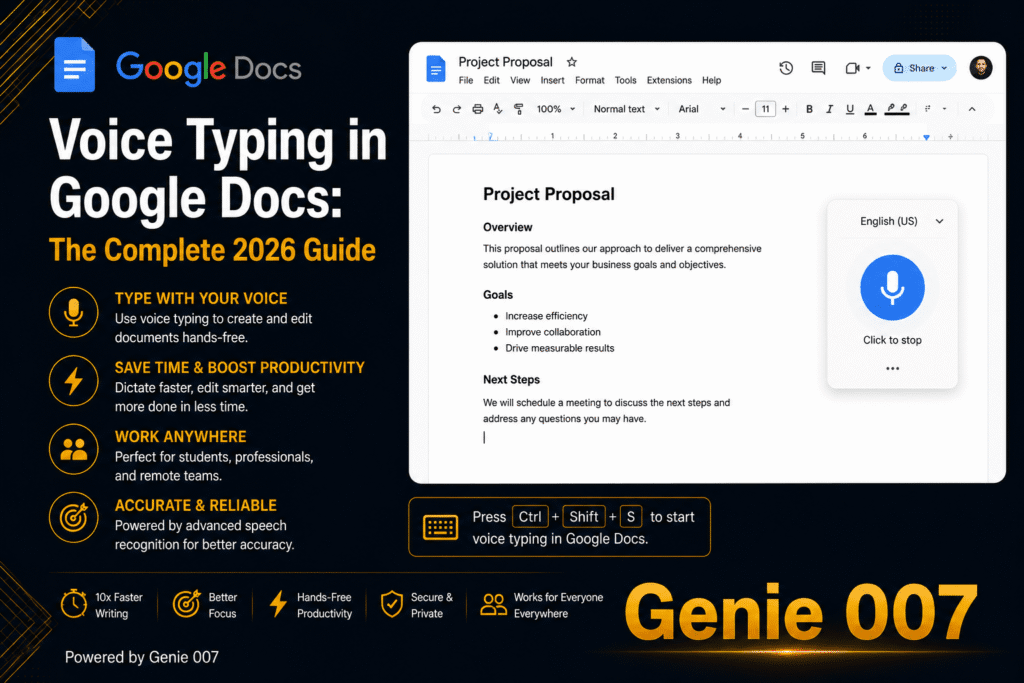
Google Docs is the most reliable free route on a laptop. Google’s help page says Kannada is a supported voice typing language and that the feature works in the latest Chrome, Edge and Safari. It does not give a keyboard shortcut, only a menu path.
- Check that your microphone is on and working.
- Open a Google Doc in Chrome, Edge or Safari.
- Click Tools, then Voice typing. A microphone box appears.
- Set the voice typing language to Kannada using the language selector in the voice typing box.
- Click the microphone and start speaking. Click it again to stop.
Read the first few lines straight away and fix punctuation by hand.
Kannada voice typing on Android with Gboard
On Android, Gboard is the usual keyboard. Google announced Kannada for voice typing in Gboard in August 2017, and Google’s Gboard help lists Kannada with three layouts: Kannada, Latin and Transliteration. Google’s voice typing page also warns that talk-to-text does not work with every language, so run a short test once you add it.
- Open any app where you can type and tap a text field.
- Tap the features menu icon at the top left of the keyboard, then More, then Settings.
- Go to Languages, select Kannada and pick a layout, then tap Done.
- Tap the microphone at the top of the keyboard and, when you see “Speak now”, talk.
- If you have more than one language on, tap the language abbreviation at the bottom left of the voice toolbar to choose Kannada.
Google’s page says punctuation is added by saying words like “period” or “comma” for languages that support them. Do not assume that works in Kannada: try it once and add the full stop yourself if it does not.
A short Kannada script example
This is the kind of sentence to use as a test. Say it into whichever tool you choose and compare the result with the table.
| Version | Text | English meaning |
|---|---|---|
| Written Kannada | ನಾನು ನಾಳೆ ಬೆಂಗಳೂರಿಗೆ ಹೋಗುತ್ತೇನೆ. | I will go to Bengaluru tomorrow. |
| Spoken Kannada | ನಾನು ನಾಳೆ ಬೆಂಗಳೂರಿಗೆ ಹೋಗ್ತೀನಿ. | I’m going to Bengaluru tomorrow. |
| Written Kannada | ನೀವು ಊಟ ಮಾಡಿದ್ದೀರಾ? | Have you eaten? |
The first two rows say the same thing in two registers. Spoken Kannada often shortens verb endings, and a tool trained mostly on written text may give you the formal spelling or miss a word. That is a useful thing to know before you rely on it.
Kannada accuracy: dialects and mixed English (Kanglish)
Kannada varies a lot between Bengaluru, Mysuru, coastal Karnataka and north Karnataka, in vocabulary and in the way words are said. Google and Microsoft do not publish accuracy figures for Kannada dialects on their help pages, so test with your own voice rather than trusting a claim from anyone.
- Mixed Kannada and English, often called Kanglish, is where most tools slip. English words may come out in Kannada letters or in English letters, and you may need to correct them.
- Numbers, names and place names are worth checking every time.
- Dictate in short sentences, then read each one before moving on.
Voice typing gets the first draft down fast, but plan on a proofread.
Speak Kannada, get English text with live translation
Sometimes you do not want Kannada text at all. You think in Kannada but the email, report or message has to be in English. Plain voice typing cannot help with that: it only writes down what you said, in the language you said it.
The Genie 007 desktop app for Windows and Mac lists Kannada under Settings, then Input Language, so you can use it for plain Kannada voice typing in Word or any other app. It also has Live Translation in Settings: you choose an Input language (Auto-detect, or a language you pick) and an Output language, and it works on both keys. Press X (or any key or combination you choose) for Voice Typing, which types what you said with filler words removed and punctuation and grammar tidied. Press Q for Genie mode, where you say what you want and Genie writes the finished text, using the context of the app and box you are in.
So you could set Kannada as the input and English as the output, then say your message in Kannada and get English text. Read it before you send, as with any translation. By default the app stops after about 9 seconds of silence (Auto-stop on Silence switch). It covers 140+ languages, and for the wider picture see our multilingual voice typing guide and our live voice translation app page. For how this differs from plain dictation, read what is think-to-text.
Related language guides: Hindi voice typing and Bengali voice typing. All of our guides sit in the voice typing guides hub.
Frequently asked questions
How do I type in Kannada by voice on my laptop?
The easiest free way is Google Docs voice typing in Chrome, Edge or Safari: choose Tools, then Voice typing, pick Kannada and click the microphone. Windows 11 voice typing does not list Kannada. To dictate straight into Word or other laptop apps, the Genie 007 desktop app lists Kannada as an input language.
Does Windows 11 voice typing support Kannada?
No. Microsoft’s Windows 11 voice typing page lists 46 languages, including Hindi, Tamil, Telugu, Gujarati and Marathi, but Kannada is not among them. Press Windows key plus H and it will not recognise Kannada speech. Google Docs voice typing in a browser does list Kannada, so use that instead.
Can I use Kannada voice typing in Word?
Not with the built-in Dictate button. Microsoft’s Dictate page lists supported and preview languages and Kannada is in neither. The free workaround is to dictate in a Google Doc with Kannada selected and paste the text into Word. To dictate inside Word itself, use a desktop app that lists Kannada, such as Genie 007.
Can I speak Kannada and get English text?
Yes, with a tool that has live translation. The Genie 007 desktop app lists Kannada as an input language and lets you set an output language such as English, so you speak Kannada and get English text. Google Docs and Gboard only write Kannada as Kannada, so they cannot do this.
Speak Malayalam too? Our Malayalam voice typing guide shows which tools list it and how Genie 007 types it in any Windows or Mac app.
Sinhala is another language that Windows 11 and Word leave out: our Sinhala voice typing guide shows which tools list it and how Genie 007 types it in any Windows or Mac app.
Try Genie 007 Free
If you want to type Kannada by voice in Word and your other laptop apps, or you think in Kannada but need to write in English, Genie 007 does both. Speak, and it gives you the finished text.
Free to start, no card needed. Request access to the desktop app on the Windows or Mac page. Genie 007 works on Windows, Mac, mobile and as a browser extension.
Written by Bill Kiani, founder of Genie 007.