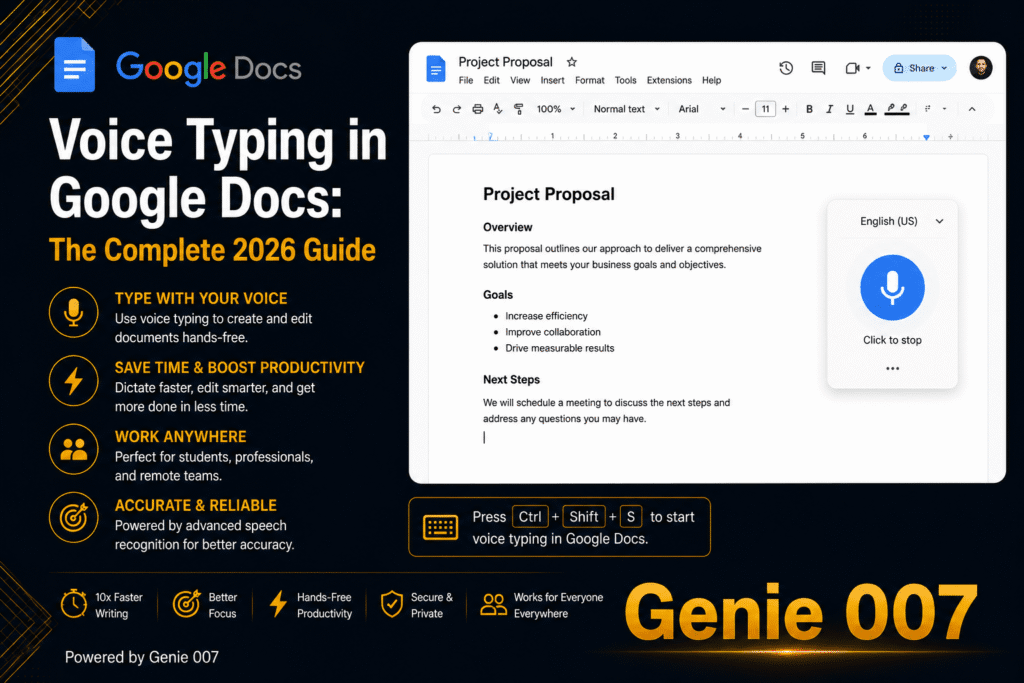


Telugu voice typing is built into Windows 11 and, as a preview language, into Word’s Dictate, and Google announced Telugu voice input for Gboard on Android in 2017. Google Docs voice typing and Apple Dictation do not list Telugu. This guide gives the setup steps, accuracy tips, and a way to speak Telugu and get English text.
What Telugu voice typing is, and who it helps
Telugu voice typing turns spoken Telugu into written Telugu script. Telugu is agglutinative, with suffixes attached to word endings, and its abugida script builds syllables from consonants and vowel signs, so fast typing is a skill many fluent speakers never learn.
Telugu is an official language of Andhra Pradesh and Telangana, so readers vary: a shopkeeper in Vijayawada answering WhatsApp orders, a student in Hyderabad taking notes, an engineer in Texas who thinks in Telugu but emails in English. Built-in tools serve the first two; the third needs translation, covered below.
Telugu speech to text: which built-in tools support it
Language lists change, so we checked each vendor’s own pages in October 2026. Windows lists Telugu, Word lists it as a preview, and Google Docs and Apple Dictation do not list it.
| Tool | Telugu support | Where it works | What you need |
|---|---|---|---|
| Windows 11 voice typing (Win+H) | Yes: listed as Telugu | Most text boxes in Windows | Telugu added as a language, internet |
| Microsoft Word Dictate | Preview: Telugu (India) | Word for Windows, Mac and the web | Microsoft 365 subscription, internet |
| Google Docs voice typing | Not listed | Not available for Telugu | Another tool, then paste |
| Gboard on Android | Yes: announced by Google in 2017 | Any Android app with a text box | A Telugu keyboard added in Gboard |
| Apple Dictation (iPhone, iPad, Mac) | Not listed | Not available for Telugu | Another keyboard or tool |
| Genie 007 | 140+ languages, live translation | Gmail, WhatsApp, Slack and most apps | Free to try, no card needed |
Sources: Microsoft’s Windows voice typing page and Word Dictate page, Google’s Docs voice typing help and 2017 Indian languages announcement, and Apple’s iOS feature availability page.
Telugu voice typing on PC with Windows 11
Microsoft’s list of Windows voice typing languages includes Telugu, so a PC is the easiest place to start. It follows your active input language and needs an internet connection.
- Open Settings > Time & language > Language & region.
- Under Preferred languages, select Add a language, search for Telugu, pick it and select Next; optional speech features can be skipped.
- Click into the text box, then press Windows logo key + Spacebar until the Telugu input is active, or use the taskbar language switcher.
- Press Windows logo key + H, wait for the “Listening…” alert, then speak.
To stop, say “Stop listening” or select the microphone button. If English letters appear, your input is still English.
Telugu voice typing in Word
Microsoft lists Telugu (India) in Word’s Dictate as a preview language, which “may have lower accuracy or limited punctuation support”. You need a Microsoft 365 subscription and a reliable internet connection.
- Sign in to Microsoft 365, open a document and go to Home > Dictate.
- Wait for the button to turn on and start listening.
- Select the gear icon to open the dictation settings.
- Under Spoken Language, choose Telugu (India), then speak.
Menus vary by version. Without a subscription, switch to Telugu input and press Win+H in your document. On a Mac, Dictate is the main built-in route, because macOS Dictation does not list Telugu.
Telugu voice typing in Google Docs: the gap and a workaround
Google Docs is the surprise: Google’s list names Hindi, Kannada, Malayalam, Marathi, Gujarati, Bengali, Urdu and four Tamil variants, but has no Telugu entry. Check again later, as lists change.
The workaround is to dictate where Telugu is supported and paste into Docs. On Android, the Gboard microphone types into any app, which should include the Docs app. On a PC, use Windows voice typing or Word.
Telugu voice typing on Android with Gboard
Google announced Telugu voice input for Gboard on Android on 14 August 2017, alongside seven other Indian languages.
- Tap into any text box, then tap the Settings icon at the top of the keyboard.
- Go to Languages > Add keyboard, choose Telugu, pick a layout and tap Done.
- Touch and hold the space bar to switch to the Telugu keyboard.
- Tap the microphone at the top of the keyboard and speak when you see “Speak now”.
Google’s Gboard language help also shows the Android route: Settings > System > Keyboard > On-screen keyboard > Gboard > Languages. Google warns that talk-to-text does not work with all languages and punctuation phrases might not be available in every one, so test a sentence first. In WhatsApp, the keyboard microphone types text; the chat’s own microphone button records a voice note.
Telugu voice typing on iPhone and Mac
Apple’s iOS and macOS feature availability pages list Telugu for VoiceOver and the bilingual dictionary, but not under Dictation, so as of October 2026 the iPhone keyboard microphone and Mac Dictation will not transcribe Telugu.
On an iPhone, Gboard’s App Store listing includes Telugu and says microphone input goes to Google for transcription, but it does not promise Telugu voice typing, so test it, or try the Genie 007 mobile app. On a Mac, use Word’s Dictate.
A short Telugu script example
Here is one idea in formal written Telugu, everyday spoken Telugu and English.
| Version | Text |
|---|---|
| Formal written Telugu | రేపు ఉదయం పది గంటలకు సమావేశం ఉంది. |
| Everyday spoken Telugu | రేపు పొద్దున పది గంటలకి మీటింగ్ ఉంది. |
| English | There is a meeting at 10am tomorrow. |
Built-in tools write down what you say: speak the second line and you get it back, borrowed word “meeting” included. That suits a chat, but a formal letter wants the first version, and no built-in tool makes that switch.
Mixing Telugu and English, and other accuracy limits
Many speakers mix English into Telugu sentences, and vocabulary shifts between Telangana, coastal Andhra and Rayalaseema. Windows and Word each list a single Telugu option, unlike Google’s four Tamil variants in Docs, so you cannot pick a regional model there.
- Speak in complete phrases at a normal pace and pause between sentences.
- Check word endings: Telugu suffixes carry meanings English expresses with words such as “to” and “from”.
- English words may come out in Telugu script or Latin letters; fix them afterwards.
- Add punctuation by hand, and use a quiet room with an external microphone, as Google’s troubleshooting suggests.
Hindi speakers face the same mixing problem; see our Hindi voice typing guide and Tamil voice typing guide, or browse all our voice typing guides.
Speak Telugu, get English text with live translation
Every built-in tool above returns the language you spoke. Thinking in Telugu but writing in English means dictating, pasting into a translator, then repairing the stiff result.
Genie 007 cuts those steps. It supports more than 140 languages and dialects, and live voice translation turns speech in one language into polished text in another inside Gmail, WhatsApp or Slack. Test some of your own Telugu on the free trial. In Genie Mode you give the order, as you would brief a colleague:
క్లయింట్కి రిపోర్ట్ సోమవారం కాదు, బుధవారానికి రెడీ అవుతుందని చెప్పు, క్లుప్తంగా సారీ చెప్పి, మంగళవారం ఒక కాల్ మాట్లాడుకుందామా అని అడుగు.
That means “tell the client the report will be ready by Wednesday, not Monday, apologise briefly, and ask for a call on Tuesday”. The reply box receives a finished English message in your tone:
Hi Dan, apologies, but the report will reach you on Wednesday instead of Monday. Could we have a quick call on Tuesday so I can walk you through where it stands?
That is think-to-text: it does your work, not your words. For plain Telugu, voice typing mode adds punctuation and grammar automatically. It is private by design, and nothing is stored.
Related guides: Bengali voice typing, Marathi voice typing and the Punjabi to English voice translator guide.
Frequently Asked Questions
How do I type in Telugu by voice on a PC?
On a Windows PC, add Telugu under Settings, then Time and language, then Language and region, switch to the Telugu input with Windows key plus Spacebar, click into a text box and press Windows key plus H to dictate in Telugu script. You need an internet connection.
Does Word support Telugu voice typing?
Yes, but only as a preview language: Microsoft lists Telugu (India) for Dictate in Word on Windows, Mac and the web, which means accuracy may be lower and punctuation support may be limited, and you need a Microsoft 365 subscription and a reliable internet connection.
Does Google Docs voice typing support Telugu?
No, not at the time of writing: Google’s voice typing language list for Docs includes Hindi, Tamil, Kannada, Malayalam and Marathi among Indian languages but has no Telugu entry, so dictate with Windows voice typing, Word or Gboard on Android and paste the Telugu text into your document.
Can I speak Telugu and get English text?
Not with the built-in tools alone, because Windows, Word and Gboard write down the language you actually speak, so you need a separate translation step, but a live translation tool such as Genie 007 lets you speak one language and get polished text in another inside Gmail, WhatsApp and Slack.
Try Genie 007 Free
The built-in tools in this guide put Telugu on the page, one language at a time. Genie 007 is for the days when a Telugu thought has to leave as a finished English message that sounds like you.
Free to try, no card needed. Request access to the desktop apps, or start on your phone. Genie 007 works on Windows, Mac, mobile and as a browser extension.
Written by Bill Kiani, founder of Genie 007.