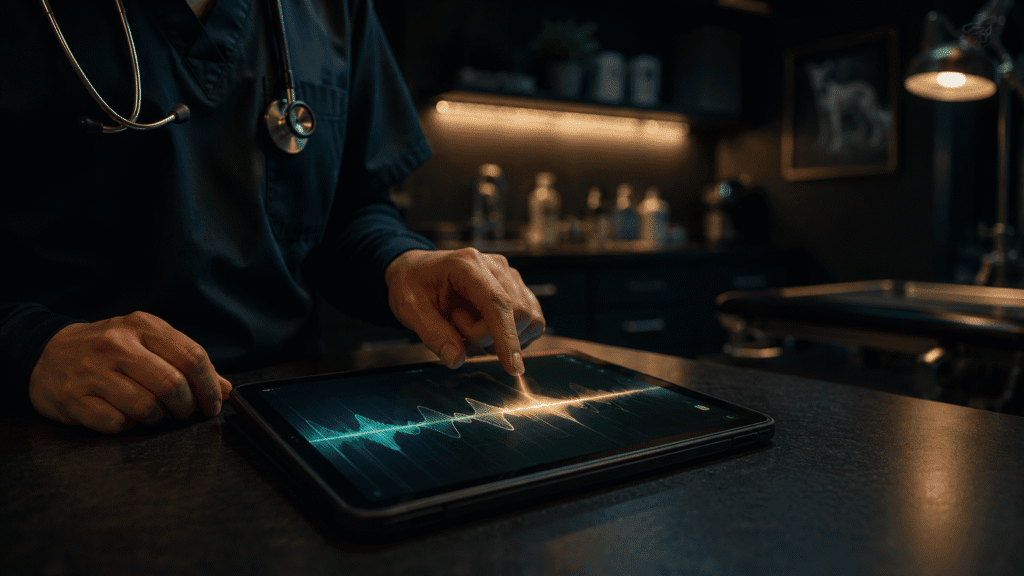
Veterinarians move from one exam room to the next with barely five minutes between patients. A dog needs discharge instructions. A cat owner has follow-up questions. An urgent referral note must be emailed to a specialist. And the vet has fourteen more appointments before lunch. The admin work that keeps a practice running—client emails, discharge notes, follow-up instructions, referrals—either happens in those stolen minutes or it doesn’t happen until after hours. Voice to text for veterinarians solves this bottleneck by letting vets dictate correspondence hands-free, turning idle moments into productive ones.
The Real Time Crunch in Veterinary Practice
Veterinary practice is frontline, time-bound work. A vet’s day is scheduled in 15–30 minute blocks, back-to-back. The clinical work itself—examining, diagnosing, treating—fills every second of that time. But client communication doesn’t pause for the schedule. Between patients, a vet faces a silent to-do list: an email from an owner asking about post-operative care, discharge notes that must be clear and detailed, a phone message requesting medication refills, referral documentation that another practice is waiting for.
Typing these notes forces a choice: slow down clinical work to manage admin, or push it to evenings and weekends. Many vets choose the latter, which is why veterinary burnout is high and work-life balance is cited as a top reason vets leave the profession. The irony is that much of this admin work is crucial—clear discharge instructions reduce complication callbacks, prompt follow-ups improve outcomes, and professional correspondence builds trust with clients and referring practitioners. Like other healthcare professionals using medical dictation software, vets face similar time pressures. The problem isn’t the work; it’s the medium. Typing is sequential, slow, and keeps you at a desk when you should be moving between rooms.
How Voice Typing Fits the Veterinary Workflow
Voice to text isn’t new, but traditional dictation (and built-in options like Windows Voice Access or Apple Dictation) fail vets because they transcribe literally—”comma”, “new paragraph”, “question mark” as typed words, requiring heavy cleanup. They also live in a single app, forcing vets to switch between email, Outlook, clinic management systems, and note-taking apps. For a vet with five minutes between patients, tab-switching is a non-starter.
Modern voice AI changes the equation. Rather than transcribing every word, it understands intent. Say “Email follow-up to Sarah Johnson about her cat’s dental extraction” and it generates a professional, ready-to-send message instantly—no punctuation commands, no cleanup, no switching apps. This is the leap from speech-to-text to think-to-text: you share your meaning, not a phonetic dump.
Discharge notes are a concrete example. A vet finishes a surgical procedure. Between the last stitch and the next patient, there’s a four-minute window. Instead of typing “discharge instructions for post-op care, pain management, activity restriction, when to return”, the vet speaks naturally: “Discharge instructions for post-operative care following spay surgery. Restrict activity for two weeks. Administer prescribed pain medication twice daily for five days. Monitor the surgical site for redness or discharge. Return in fourteen days for suture removal.” The tool captures intent, formats it as a professional note, and it’s ready for printing or email in seconds. No backspacing, no grammar correction, no wrestling with punctuation.
This works across platforms too. Gmail, Outlook, clinic-specific software, messaging platforms—the tool functions inside the workflow, not as a separate application. Vets don’t need to copy-paste between windows or switch mental contexts.
Real Workflows: Three Scenarios
Discharge notes during a surgical window. A vet finishes a procedure. Between the last stitch and the next patient, there’s a four-minute window. Dictate: “Discharge instructions for post-operative care following spay surgery. Restrict activity for two weeks. Administer prescribed pain medication twice daily for five days. Monitor the surgical site for redness or discharge. Return in fourteen days for suture removal.” The note is formatted and ready for printing in seconds.
Follow-up email between appointments. A cat owner has questions about her new chronic kidney disease diagnosis. The vet has three minutes before the next appointment. Dictate: “Thank you for the consultation. Start the prescribed diet Monday and give medication twice daily with food. Watch for increased thirst or reduced appetite—call me if either occurs.” Professional, clear, sent before the next patient sits down.
Referral note to a specialist. A dog with recurrent ear infections needs dermatology assessment. Dictate: “Referral to Dr. Patel, Dermatology Associates. Patient Max, recurrent bilateral otitis externa unresponsive to standard treatment. Please assess for underlying atopy or food sensitivity.” The specialist receives a complete note in the time typing would take to write the first sentence.
Why Built-in Options Fall Short
Most vets have access to free or built-in voice options. Windows Voice Typing, Apple Dictation, and Google Docs Voice Typing are legitimate tools—but they’re designed for different workflows. They transcribe accurately in quiet environments, which is not typical for a busy clinic. They also require manual formatting (punctuation commands), don’t understand profession-specific terminology reliably, and don’t function inside proprietary clinic management software. A vet using Apple Dictation has to compose in Notes or Docs first, then copy-paste into Outlook or their practice management system, losing minutes to context-switching. The cognitive load defeats the speed advantage.
Voice AI built for professional communication—understanding intent, formatting automatically, working inside every app and browser—closes this gap. For vets, this is the difference between a tool that adds friction and one that removes it.
Privacy and Compliance: Clinical Confidentiality
A significant concern for vets using voice tools: client and patient data confidentiality. Veterinary records are sensitive—medical history, diagnoses, owners’ personal details. The tool must not transmit this information to third-party servers where it could be logged, analysed, or indexed. In-browser, on-device processing is the only acceptable standard. Audio should never be recorded or stored, and transcriptions should not persist beyond the immediate use.
This rules out many cloud-based dictation services. Privacy-first voice tools process everything locally, with encryption throughout. No audio stored. No data logging. No third-party access. This is not just a convenience; it’s essential for practices handling sensitive client and animal records.
The Scope Limitation to Know
There’s one important boundary to be clear about: voice to text for vets is ideal for client correspondence, discharge notes, follow-up emails, and referral letters—the back-office admin work that fills the gaps between clinical tasks. It is not a replacement for electronic medical record (EMR) integration. Veterinary practice management systems like VetTriage, Shepherd, or Cornerstone EMR have their own data entry workflows, and voice tools don’t integrate directly into those systems. If your clinic needs voice-to-EMR with custom veterinary terminology and seamless medical record population, you’ll need an EMR-specific solution.
What voice to text does brilliantly is handle the communication layer: the emails, discharge instructions, messages, and notes that happen outside the EMR. That’s where the time saving happens—the 30 minutes a day a vet spends on prose-based admin rather than structured data entry.
A Practical Starting Point
Adopting voice to text takes one workflow at a time. Start with discharge notes. For a week, speak every discharge note instead of typing it. The first few will feel awkward. By day three, it becomes automatic. Then add follow-up emails. Then referral correspondence. Small practices especially benefit from this incremental adoption—most vets find that once they’ve proven the tool works in one context, they expand naturally to others.
The real win isn’t speed (though that’s real—voice is typically 3–5x faster than typing). The win is reclaiming those five-minute windows between patients. They’re no longer wasted on typing. They’re buffer time to breathe, review the next patient’s file, or start the next note. Over a week, that’s an hour reclaimed. Over a month, it’s four hours of evenings or weekends you don’t spend on admin work.
Objections and Reality Checks
Will my accent or clinic noise cause problems? Modern voice AI understands accents and handles background noise better than older tools. Advanced models are trained on real-world audio. Test for a few days to see if it’s workable in your clinic.
How long is the learning curve? Most vets are productive within a week. By day five, it’s muscle memory.
Is this secure for patient data? Only if the tool processes audio on-device. Local processing with no audio retention is the standard for sensitive data.
Frequently Asked Questions
Can vets use voice to text safely with confidential client information?
Yes, but only with tools that process audio on-device and never store or send it to external servers. Look for local processing, end-to-end encryption, and zero-data-retention policies. These tools are designed specifically to handle sensitive information.
What’s the best voice to text solution for small veterinary clinics?
Look for multi-platform support (so it works on the device and operating system your team uses), reliable operation in typical clinic noise levels, and compatibility with email and messaging apps your practice already relies on. Many vets find that all-in-one voice solutions that work across Windows, Mac, mobile, and browser extensions offer better integration with diverse clinic workflows than single-platform tools.
How much time can vets actually save using voice dictation?
Typically 20–40 minutes per day if voice handles discharge notes, client emails, and referral correspondence. Some vets save more; some save less depending on how much written communication their practice generates. The real metric isn’t time saved but burnout reduction—admin work no longer bleeds into evenings.
Try Genie 007 Free
Voice to text removes the admin bottleneck that keeps vets at their desks long after the clinic closes. Discharge notes, client emails, referral letters, follow-ups—all faster, dictated hands-free between patients, with zero typing.
Download Genie 007 free — available for Windows, Mac, mobile and as a browser extension. Pricing starts at £5 per month. No credit card required.
Written by Bill Kiani, founder of Genie 007.