

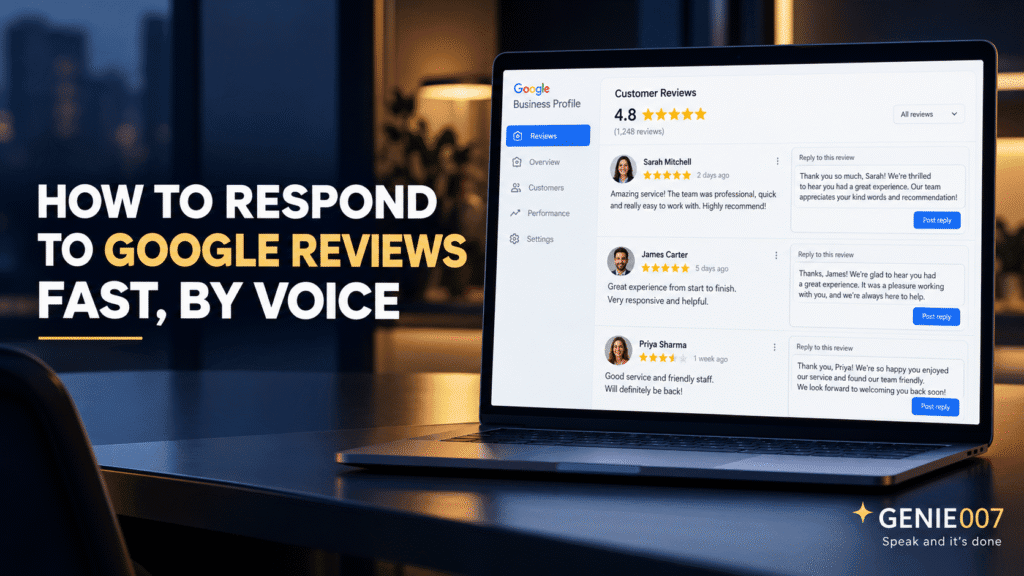
How to respond to Google reviews fast comes down to speaking your reply instead of typing it. Open the review in Google Business Profile, describe the review and the tone you want, and Genie 007 turns your spoken thought into a polished, ready-to-post response in seconds, for both five-star praise and one-star complaints.
For most small business owners, review replies sit at the bottom of an endless to-do list. You know it matters, but between running the business and everything else, a queue of unanswered reviews quietly builds up.
Why Google Review Replies Matter More Than Owners Think
Reviews have become the first real interaction a customer has with a business, often before they ever pick up the phone. According to 2026 Google Reviews research, 97% of consumers read reviews before choosing a local business, and the share who say they “always” check reviews has climbed sharply in the past year. By the time someone lands on your Business Profile, your star rating and your replies are already doing the selling.
What most owners underestimate is how much the reply itself matters, not just the review. A profile full of five-star reviews with zero owner replies can look less trustworthy than a profile with a mix of reviews and thoughtful responses to every single one.
The SEO and Reputation Case for Responding Fast
Review replies carry a measurable local SEO signal. A 2026 study on review responses and SEO found that businesses replying to 75% or more of their reviews ranked, on average, 2.3 positions higher in local search results than businesses that rarely replied. Every reply adds fresh, relevant text to your Business Profile, which Google’s local ranking systems read as a sign of active, trustworthy management.
Speed compounds the effect. Best practice is to respond to all reviews within 24 to 48 hours, moving faster (ideally within a few hours) on negative ones. A same-day reply to a complaint is far more likely to result in the customer softening their tone or editing the review. Most consumers say they expect an owner to respond at all, and are more likely to choose a business that replies consistently. The trouble is finding the right words, reply after reply, especially for a review that deserves more than “Thanks for your feedback!”
How to Respond to Google Reviews by Voice
This is where voice changes the maths. Instead of staring at a blank reply box trying to phrase the twelfth response of the week, you open Genie 007, describe the review out loud, and let Genie Mode do the writing. You are not dictating word for word. You are describing the review and the tone, and a complete, human-sounding reply comes back ready to paste into Google Business Profile.
Replying to a Positive Review
Say something like: “This customer left five stars and mentioned how friendly Sarah was at the front desk: write a warm thank-you reply that mentions Sarah by name and invites them back.” Genie 007 returns a complete, specific reply in seconds: no generic template, no rewriting from scratch.
Replying to a Negative Review
For a harder review, describe the situation calmly: “This customer says their order arrived two days late and was cold: write an apologetic reply, acknowledge the delay, and ask them to email our support address so we can make it right.” Genie 007 produces a measured, professional response that follows the acknowledge-apologise-resolve structure reputation experts recommend, without you having to find the right words while frustrated or rushed.
Replying in a Customer’s Own Language
Multilingual businesses face a particular version of this problem: a glowing review arrives in Spanish, French, or Arabic, and the owner does not speak it. Genie 007 supports 140+ languages, so you can describe the reply you want in English and have it delivered fluently in the reviewer’s own language, a meaningfully more personal touch than pasting the review into a translation tool and hoping the tone survives.
The Google Business Profile Reply Flow: with Voice Built In
The mechanics of posting a reply do not change. On mobile, open Google Maps, tap “Business,” tap “Reviews,” find the review, and tap “Reply.” On desktop, open your Business Profile, select “Read reviews,” and click “Reply” next to the one you want to answer. What changes is what happens between opening that box and submitting it.
Instead of typing a reply from a blank page, you speak it. Genie 007 works directly inside the reply field in your browser, so there is no copying text from another app or tab-switching to think somewhere else. You describe the reply, review the draft, tweak a word if needed, and hit reply: the same flow Google already expects, just without the blank-page moment that eats up most of the time.
The Time Savings Add Up Fast
A small business with a steady flow of reviews (fifteen to twenty a week across one or two locations) can easily spend three or four minutes per reply when writing from scratch: reading, deciding on tone, drafting, editing. That is close to an hour a week just on review replies, on top of everything else the owner or manager is doing.
With a described-not-typed workflow, most replies take well under a minute from opening the review to hitting submit, cutting review-reply time by more than half across twenty reviews a week. For businesses managing reviews across several locations or brands, the dictation software for small business guide covers the wider setup, and full Genie 007 pricing starts from £5 a month.
Common Objections, Answered Honestly
Owners considering a voice-first reply workflow usually have three concerns: accuracy, privacy, and the learning curve. On accuracy, Genie 007 is not a raw transcription tool prone to mishearing, because it works from your described intent rather than word-for-word dictation, small recognition slips get smoothed out in the finished draft, and you always review before posting.
On privacy, Genie 007 processes speech in the browser rather than routing it through third-party servers for storage, which matters when reviews mention order numbers, staff names, or other details you would rather not have sitting in a cloud log. On the learning curve, most owners are comfortable within a single session: the skill is simply describing a review and a tone out loud, closer to briefing an assistant than learning new software.
The same approach extends beyond Google reviews. Support teams handling live chat and email tickets use it to draft replies faster (see voice typing for customer service), and any small business fielding a constant stream of customer messages across channels can apply the same principle covered in our guide to an AI voice assistant for small business.
Why This Beats Plain Transcription
Standard dictation tools, including the free ones built into your phone or laptop, only solve half the problem. They turn your spoken words into typed words, but you still have to compose the reply in your head first, word for word, before saying it. That is not meaningfully faster than typing for most people.
Genie 007’s think-to-text approach is built for exactly this gap. You describe what you want the reply to achieve (reassure a frustrated customer, thank a loyal one by name, explain a policy politely), and Genie 007 turns that intent into finished, postable text. For a task as repetitive as review replies, that difference is the whole point.
Frequently Asked Questions
How fast should I respond to Google reviews?
Aim to respond within 24 to 48 hours for any review, and ideally within a few hours for negative feedback. Google does not enforce a deadline, but faster replies signal active ownership to customers and to Google’s local ranking systems, and a same-day response to a complaint is far more likely to turn a frustrated reviewer around.
How do I reply to a review on Google Business Profile?
On mobile, open Google Maps, tap Business, tap Reviews, find the review, and tap Reply. On desktop, open your Business Profile, select Read reviews, and click Reply next to the review. Type or paste your response and submit. Google usually publishes it within minutes, though occasional checks can take longer.
What should I say when responding to a negative Google review?
Acknowledge the customer’s experience without being defensive, apologise for what went wrong, and offer a concrete next step such as a phone number or refund process. Keep it brief, professional, and specific to their complaint: a generic copy-paste reply reads as insincere and can do more damage than no reply at all.
Does replying to Google reviews improve local SEO?
Yes. Businesses that reply to a high share of their reviews tend to rank higher in local search results, partly because replies add fresh, relevant text to a Business Profile and signal active management. One study found highly responsive businesses ranking over two positions higher on average than businesses that rarely replied.
Can I reply to Google reviews by voice instead of typing?
Yes. Voice tools that go beyond simple transcription, such as Genie 007’s Genie Mode, let you describe the review and the tone you want and receive a complete, ready-to-post reply in seconds, including templates for positive and negative reviews, in over 140 languages for multilingual customer bases.
Try Genie 007 Free
If review replies keep sliding to the bottom of your to-do list, speaking them instead of typing them is the fastest way to actually keep up, for every star rating, in any language your customers write in.
Download Genie 007 free: available for Windows, Mac, mobile and as a browser extension. No credit card required.
Written by Bill Kiani, founder of Genie 007.




