Voice typing for coaches is one of the fastest ways to reclaim meaningful hours in your working week — and most coaches who adopt it wonder how they managed without it. If you currently spend 20 minutes after every session typing up client notes, that adds up to more than three hours of admin per week across a busy coaching diary. This article covers setup across Windows, Mac, and mobile, three concrete workflows, and where a think-to-text AI like Genie 007 goes further than plain dictation.
The Note-Taking Problem Every Coach Recognises
After a 60-minute coaching session, the detail is vivid: the breakthrough in the third question, the resistance around the career pivot, the homework your client committed to. Give it two hours — or a full day of back-to-back sessions — and the nuance has gone. So coaches type notes immediately after each call, and across a full diary that overhead accumulates fast.
A coaching practice with eight to ten client sessions per week can lose four to six hours monthly to note-taking alone, before factoring in programme design, email follow-ups, and check-in messages. Speaking runs at roughly 150 words per minute against a typical typing speed of 40 words per minute — meaning dictation can cut that time by two-thirds. Simply.Coach’s guide to time management for coaches identifies administrative tasks as the single largest time drain in coaching businesses, and voice typing is now one of the most widely adopted coaching business tools precisely because the maths are so clear.
How to Set Up Voice Typing for Coaches
Before installing anything new, it is worth knowing what is already built into your devices — each platform handles voice input differently, and understanding the baseline helps you choose the right setup for your practice.
On Windows
Windows 11 includes a built-in voice typing shortcut: press Windows key + H in any text field and a small microphone panel appears. It handles everyday dictation and adds automatic punctuation reasonably well. The limitation is that it only transcribes — you cannot instruct it to draft a structured coaching programme or rewrite a follow-up email in a warmer tone, and it requires an active internet connection for processing.
On Mac
Apple Dictation (System Settings then Keyboard then Dictation) supports on-device processing on Apple Silicon Macs, meaning your spoken words stay on your machine. Accuracy in quiet conditions is solid, and privacy-conscious coaches appreciate the local-processing approach. As with Windows Voice Typing in Windows 11, it transcribes but does not understand intent — asking it to “write a follow-up email for Sarah from today’s session” types those exact words rather than generating the email.
On Mobile
For coaches who prefer to dictate immediately after a session — whilst the details are still fresh, from a car or a spare room — Apple Dictation on iPhone and iPad and Google’s voice input on Android both work inside most apps. The on-screen microphone key handles quick note capture well. For longer, structured documents such as programme outlines or client progress reports, a dedicated tool makes a meaningful difference to the quality of the output.
Three Real Coaching Workflows
The productivity case for voice typing becomes concrete when mapped to the tasks that actually eat a coach’s time. Here are three workflows that coaches using Genie 007 report as their most valuable.
Dictating Post-Session Notes
Immediately after ending a call, open your notes platform — Notion, Google Docs, or a coaching CRM — and speak your observations aloud. “Client energy: high but scattered. Breakthrough at the 30-minute mark when she reframed the promotion situation as a values conflict rather than a competence gap. Homework: three non-negotiables by Thursday. Follow up needed on the boundary conversation from last week.”
With Genie 007’s Voice Typing mode active in the browser, that spoken observation lands as clean, punctuated client notes in whatever field your cursor is in — no copy-pasting, no tab switching. The note is finished in under two minutes rather than 15, and it is richer because you captured it whilst the detail was still live in your memory.
Building Client Programmes by Voice
Writing a 12-week coaching programme from scratch is one of the most time-intensive tasks in the business. Many coaches avoid customising programmes because the typing overhead is too high, and clients receive near-identical documents as a result. Voice typing changes the economics: you can dictate the entire structure — week-by-week themes, reflective questions, journalling prompts, accountability check-ins — in a single sitting, then edit rather than compose.
Genie 007’s Genie Mode goes further still. Rather than transcribing your words literally, it interprets your intent and generates the structured output you described. Say “create a four-week confidence-building module with weekly journal prompts focused on self-limiting beliefs” and it drafts the module — you refine rather than build from scratch. Coaches working across multiple niches find this particularly valuable for producing bespoke programmes without starting from a blank page each time.
Client Communications by Voice
Post-session emails, WhatsApp check-ins, LinkedIn messages to prospective clients — each is small individually, but together they account for a significant share of non-session hours. Genie 007 works directly inside Gmail, Outlook, WhatsApp, LinkedIn, and over a dozen other platforms coaches use daily. Activate Genie Mode in Gmail, speak your intent (“warm follow-up for Marcus, reference the leadership reframe from today, keep it encouraging and under 100 words”), and a polished draft appears in the compose window ready to review and send.
Beyond Transcription: Think-to-Text for Coaches
Plain dictation — whether from a built-in tool or a standalone app — does one thing: it converts your spoken words into typed words. For raw note capture that is often enough. The limitation surfaces when you need structured, thoughtful writing under time pressure: you still have to do the composing; the tool merely removes the typing.
Think-to-text, the principle behind Genie 007, takes a different approach. Rather than transcribing speech verbatim, it processes what you mean and delivers what you need — a structured programme outline, a warm follow-up email, a session summary that reads as though you spent half an hour on it. The what is think-to-text guide explains how this differs from ordinary speech-to-text — it is a meaningful distinction for coaches who need polished written output, not just captured speech.
Privacy matters in a coaching context. Client conversations carry an expectation of confidentiality, and most coaches take that seriously. Genie 007 processes everything in-browser and on-device — your client content never touches its servers. It is HIPAA ready and GDPR compliant, which makes it one of the few AI writing tools genuinely appropriate for professional coaching use. Pricing starts from £5 per month, with a free trial and no credit card required.
The post-session note-taking challenge spans professions. Our guide to voice typing for therapists covers a closely related set of workflows — coaches will recognise the pattern immediately. Similarly, voice typing for recruiters shows how the same dictation habit scales when managing a high volume of client relationships.
Frequently Asked Questions
Is voice typing accurate enough for professional coaching notes?
Modern voice typing tools are accurate enough for professional use in most conditions. In a quiet environment with a standard microphone, accuracy rates typically exceed 95%. The main sources of error are background noise and unusual proper nouns — a client’s name or a specific methodology. Genie 007 handles accents and contextual language well; any corrections needed are minor compared with the time saved on initial capture.
Can I use voice typing inside coaching platforms like Notion or Google Docs?
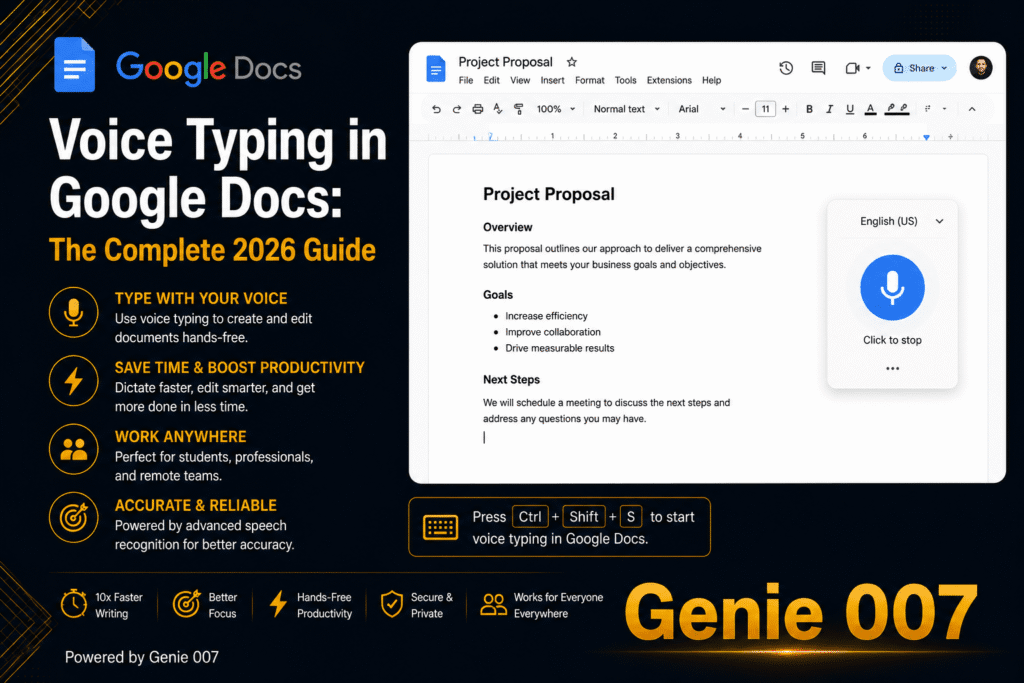
Yes. Genie 007 works inside any web-based text field — Notion, Google Docs, HubSpot, email clients, and messaging platforms — without requiring a separate window or copy-pasting. Activate it once and it follows your cursor across tabs. Google Docs also has its own free built-in voice typing via Tools then Voice Typing, which works well for basic dictation but cannot generate structured content on your behalf.
How much time can voice typing realistically save a coach each week?
It depends on session volume and written output. Dictation runs at roughly 150 words per minute against a typical typing speed of 40 words per minute — a gap that compounds across session notes, programme documents, emails, and social content. Coaches with eight or more sessions per week typically report saving two to four hours weekly once the habit is established, with the largest gains coming from post-session notes and programme writing.
Try Genie 007 Free
If post-session notes, programme writing, and client communications are eating into your coaching hours, voice typing with Genie 007 is the most direct fix available. Start with note capture after each session, build to programme dictation when comfortable, and let Genie Mode handle the communications that currently take the longest to write.
Download Genie 007 free — available for Windows, Mac, mobile and as a browser extension. No credit card required.
Written by Bill Kiani, founder of Genie 007.