The Scenario: Composing Messages Across Languages on WhatsApp Web
You’re managing customer conversations on WhatsApp Web. Some clients message in Portuguese, others in German. Your team spans countries: teammates in Barcelona, Madrid, Berlin. The natural urge is to reply in their language, but whatsapp voice translation via manual tools—switching to a translator, copying text, pasting it back, manually correcting phrasing—breaks your momentum. Most days, you end up typing in English instead—professionally safer, but you miss the chance to build rapport through their native language.
This is the friction of cross-language messaging at scale: WhatsApp Web has no built-in translation or voice composition features. You’re typing by hand, translating manually, and losing the speed advantage of voice dictation entirely. Multiply this across ten or twenty conversations in mixed languages, and the day disappears into tab-switching and repetitive rewording.
Why WhatsApp Web Translation and Voice Typing Fall Short
WhatsApp Web itself offers no automatic translation feature. If you need to reply to a message in Spanish, you have three manual paths: compose in English and hope the meaning carries, copy the message to Google Translate and wait for output, or use Microsoft Edge Translator’s sidebar. Each path breaks focus and introduces latency. The typing-based workflow is slower still: you hunt-and-peck in a foreign language, then manually correct grammar and phrasing.
Chrome’s built-in voice typing works for dictation in a single language in Google Docs, but it doesn’t integrate with WhatsApp Web. If you activate your keyboard mic, you’re dictating in English by default; pivoting to another language requires manually switching input methods, which disrupts the conversation flow. Chrome’s voice typing also doesn’t translate—it only transcribes.
Microsoft Edge’s translator can handle text, but it cannot listen to voice input and translate simultaneously. You must type or paste text first, translate it, then copy the result back to WhatsApp. This copy-paste-correct loop is inefficient and error-prone when you’re trying to connect with someone in real time.
The fundamental limit: WhatsApp Web was built for text composition on a desktop keyboard. It has no affordance for voice input, no translation, and no integration with multilingual voice systems. Using it across languages forces you to solve three separate problems in different tools, with manual handoffs between each.
WhatsApp Voice Translation with Genie 007: One Voice, Multiple Languages
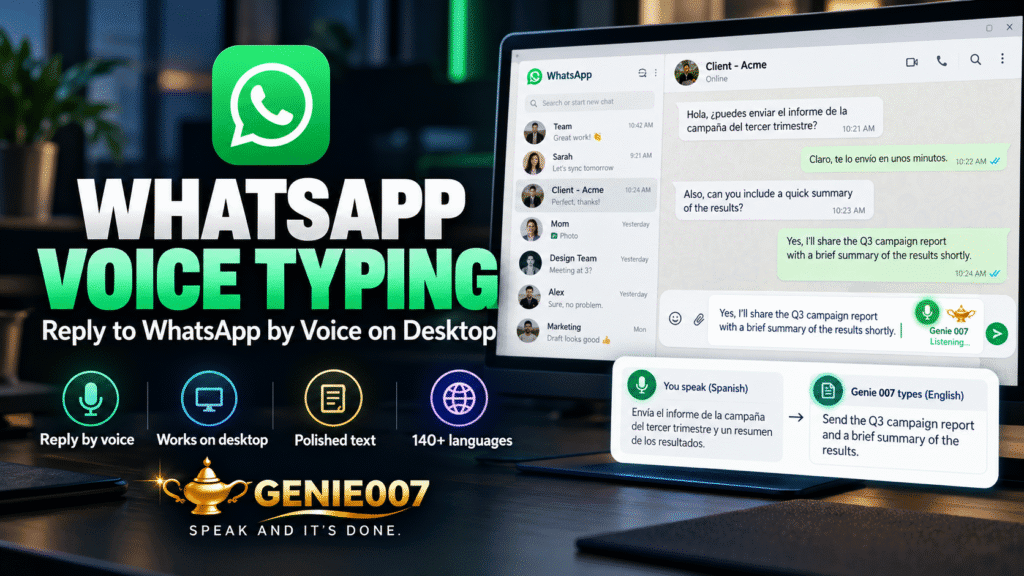
Genie 007’s browser extension transforms this workflow by combining voice dictation, live translation, and WhatsApp Web in a single interaction. Here’s how it works in practice for outbound messaging.
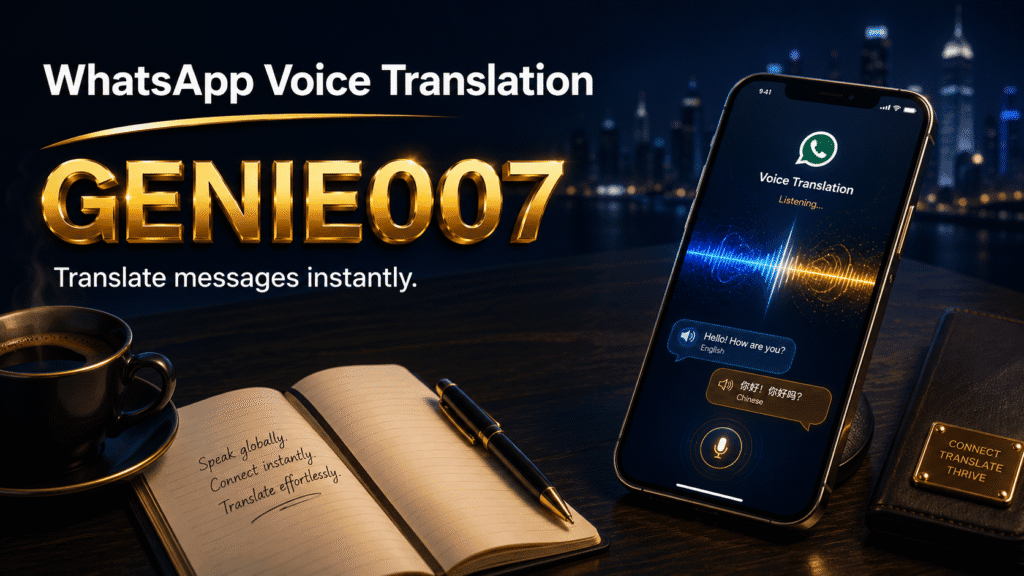
Scenario 1: Customer reply in their language. A customer messages you in Portuguese on WhatsApp Web. Instead of replying in English, you activate Genie 007’s voice input, set your target language to Portuguese, and speak naturally: “Hi Maria, I’m delighted to help. The shipment will arrive by Friday.” Genie 007 listens, understands your intent, translates to Portuguese in real time, and generates a complete Portuguese message ready to send. Maria reads a reply in her native language—no grammatical stumbles, no generic formality. Rapport-building happens because you met her halfway.
Scenario 2: Team coordination across languages. Your international team uses WhatsApp for quick updates: a Barcelona developer needs clarification, a Berlin designer has feedback. Instead of composing separate replies in English, you speak once: “Great catch. Let’s adjust the timeline and loop in the product team.” Genie 007 translates this to Spanish for Barcelona, German for Berlin, and generates both messages with tone preserved. You paste each one and move on. What would have taken five minutes now takes thirty seconds.
Scenario 3: Multilingual voice composition on the fly. You’re jumping between conversations in French, Italian, and Dutch. Using Genie 007’s live translation mode, you speak in English for each reply. Genie 007 detects the target language from conversation history or manual selection, translates your words to match, and composes a message that sounds natural to the recipient, not like machine output.
The key difference from manual translation: Genie 007 doesn’t just convert words; it executes your intent. When you say, “Let me think about that,” Genie 007 translates this to the French equivalent in tone (“Je vais y réfléchir”), not a literal rendering. For business and personal relationships, this distinction matters enormously.
How Genie 007’s Browser Extension Works with WhatsApp Web
Genie 007 operates as a browser extension on Windows and Mac, meaning it’s always available in any web application—including WhatsApp Web. When you’re in the chat box, you can click the Genie 007 icon or use a keyboard shortcut to activate voice input with live translation. The extension listens to your spoken words, translates them to the target language in real time, and inserts the translated text directly into the message field. You can refine it before sending or send immediately if the translation is perfect—which it usually is for conversational messages.
Because Genie 007 runs inside the browser, there’s no app-switching, no copy-paste, no context loss. Voice, translation, and composition are unified in one tool, one workflow, one minute per message.
Live Translation Accuracy and Nuance in WhatsApp Messaging
For common language pairs (English to Spanish, German, French), Genie 007’s 140+ language models capture conversational meaning accurately. “I’d be happy to help” translates to Spanish as “Con mucho gusto te ayudo,” which conveys warmth, not the stiff “Sería feliz de ayudar” that a literal translation produces. Colloquial phrases translate cleanly: “That’s brilliant” becomes “Eso está genial,” not “Eso es brillante.” Native speakers recognise natural speech.
For less common language pairs or heavily accented speech, live translation may simplify nuance. In practice, this is rare for WhatsApp, where the pace is conversational and follow-up time is built in. If a translation seems off, re-speak the message and Genie 007 adjusts instantly.
Privacy: Your Conversations Stay Private
When using any AI tool for messaging, the critical question is: who can see your conversations? With Genie 007, the answer is nobody. Genie 007 encrypts your audio in transit, processes it in real time and stores no recordings and no transcripts. It is GDPR compliant. You can translate with confidence.
Getting Started: WhatsApp Voice Translation on Web in Three Steps
Step 1: Install Genie 007 as a browser extension. Visit genie007.com/browser/ and add the extension to Chrome or Edge (Windows and Mac). The free trial works immediately—no credit card required. Once installed, you’ll see the Genie 007 icon in your browser toolbar. This is the fastest way to enable web dictation and translation for WhatsApp Web.
Step 2: Open WhatsApp Web and enable live translation. Open WhatsApp Web. Click the Genie 007 icon in the toolbar, then select “Live Translation.” Choose your target language—Spanish, German, French, or any of 140+ options. Save the setting.
Step 3: Compose your first translated message. Open a chat and click in the message field. Press the Genie 007 keyboard shortcut or click the microphone icon. Speak your message in English. Genie 007 translates to your selected language and inserts the text. Review and send. The entire flow takes under a minute.
Real-World Impact: Customer Service on WhatsApp Web
Before Genie 007: read message in German, switch to Google Translate, copy, type reply, paste to translator, correct, send. Per message: three to five minutes. With Genie 007: read, click shortcut, speak reply in English, review translation, send. Per message: thirty seconds. One hour saved per day, zero translation errors, customers perceive faster responses.
FAQ: WhatsApp Voice Translation and Web Messaging
Can you translate messages on WhatsApp Web? WhatsApp Web itself has no built-in translation. However, Genie 007’s browser extension adds live translation to WhatsApp Web: compose a message by voice in English, and Genie 007 translates it to any of 140+ languages in real time, then inserts the translated text into your message field. You review and send without copy-paste or tab-switching.
Does WhatsApp have automatic voice dictation? WhatsApp on mobile supports voice messages, but WhatsApp Web does not have native voice dictation for composing text messages. Genie 007’s browser extension fills this gap: activate it, speak your message, and Genie 007 transcribes and translates it into text, ready to send. This is faster than typing and includes live translation so you can compose in English and send in the customer’s language.
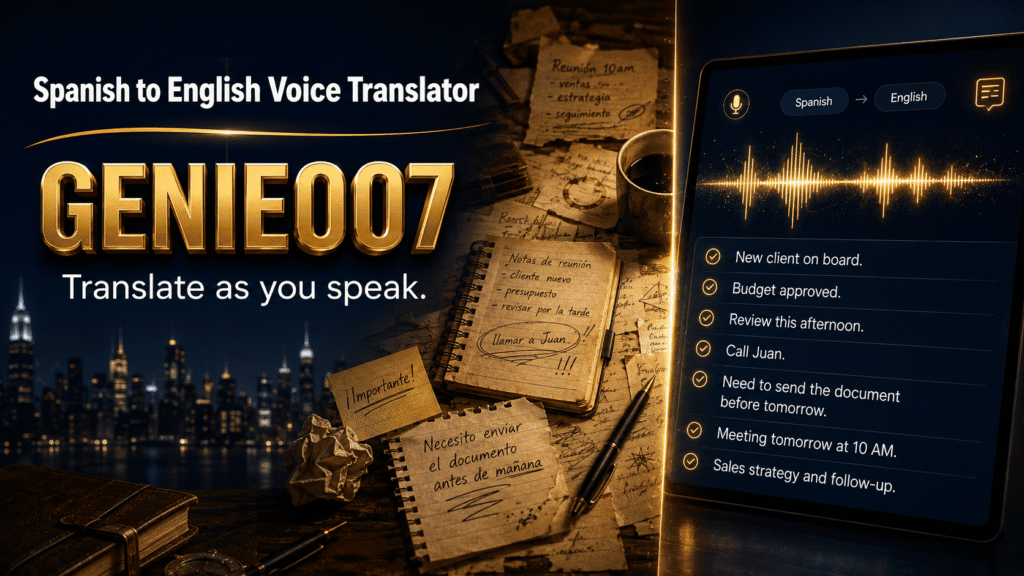
Can I dictate in another language and have it translated to English? Yes, with Genie 007. If you’re more fluent speaking German than typing it, activate Genie 007, set English as your target language, and speak in German. The extension will transcribe and translate your German speech to English text, ready to send. This works for any of the 140+ supported languages and is particularly useful for non-native English speakers who want to compose professional messages in English.
What’s the best way to translate WhatsApp conversations? For incoming messages, use Genie 007 on mobile or browser to translate voice messages (see the related article on translating voice notes to English for details). For outgoing messages, use Genie 007’s live translation feature in the browser extension to compose and send translated messages without leaving WhatsApp Web. This integrated workflow is faster and preserves tone.
Can you use voice typing on WhatsApp Web? WhatsApp Web doesn’t natively support voice typing, but Genie 007’s extension does: activate voice input, speak your message, and it converts to text and inserts it into the message field. With live translation enabled, your spoken English message translates to any of 140+ languages instantly. This is the fastest way to compose on WhatsApp Web.
Think-to-Text: Beyond Simple Translation
Genie 007’s core technology goes beyond voice-to-text translation. The platform uses think-to-text processing, which means Genie 007 understands your intent, not just your words. When you say, “That sounds good, let’s schedule it,” Genie 007 generates a complete professional message in the target language with appropriate tone and formality—not a literal translation of your casual phrasing. For business messaging, this distinction is critical. You maintain your voice and professionalism across languages without the translation sounding robotic.
If the keyboard mic will not start before you even get to translating, our guide to fixing WhatsApp voice typing that is not working covers Android, iPhone, Samsung and WhatsApp Web.
If your customers also message you on Messenger, our guide to dictating Messenger messages by voice covers phone keyboards, facebook.com on desktop and what to check when talk to text fails.
Try Genie 007 Free
WhatsApp Web messaging across languages no longer requires manual translation, tab-switching, or typing pauses. With Genie 007’s whatsapp voice translation in your browser, compose and send messages in any of 140+ languages in seconds—all by voice, all translated in real time, all without leaving WhatsApp Web.
Download Genie 007 free — available for Windows, Mac, mobile and as a browser extension. No credit card required.
Written by Bill Kiani, founder of Genie 007.
Related reading: WhatsApp Voice Typing.