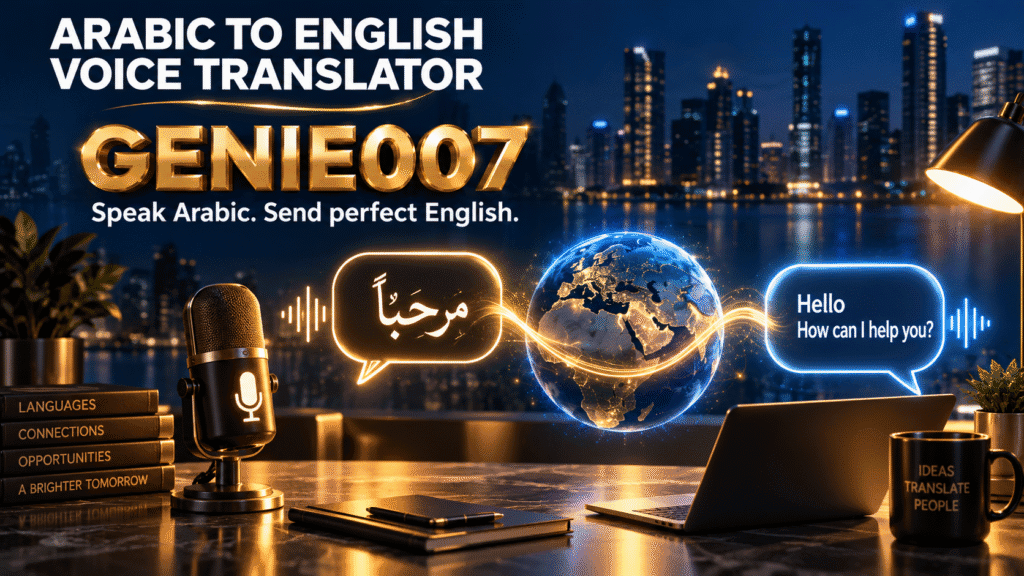
An arabic to english voice translator lets you speak Arabic and get typed English text back in seconds — no recording, uploading, or copy-pasting between apps. The best tools convert live speech (Modern Standard Arabic, Egyptian, Gulf, or Levantine) into natural English sentences that appear directly where you’re typing, from Gmail to WhatsApp.
Why Speaking Arabic and Getting English Text Is Trickier Than It Sounds
Arabic is the fifth most-spoken language in the world, with roughly 313 million speakers across the Middle East, North Africa, and sizeable diaspora communities in Europe and North America (Babbel). If you’re a recruiter messaging a candidate in Cairo, a support agent replying to a customer in Dubai, or a student emailing a professor in Amman, you already know the daily friction: you understand spoken Arabic, or someone sends you a voice note, but you need clean English text — fast, and in the app you’re already using.
The problem isn’t finding a way to translate arabic voice to english once. It’s doing it dozens of times a day without breaking your workflow. Reading a WhatsApp voice note, opening a translator app, replaying the clip, typing what you heard, pasting it somewhere else — that loop adds up to hours a week for anyone who regularly works across Arabic and English.
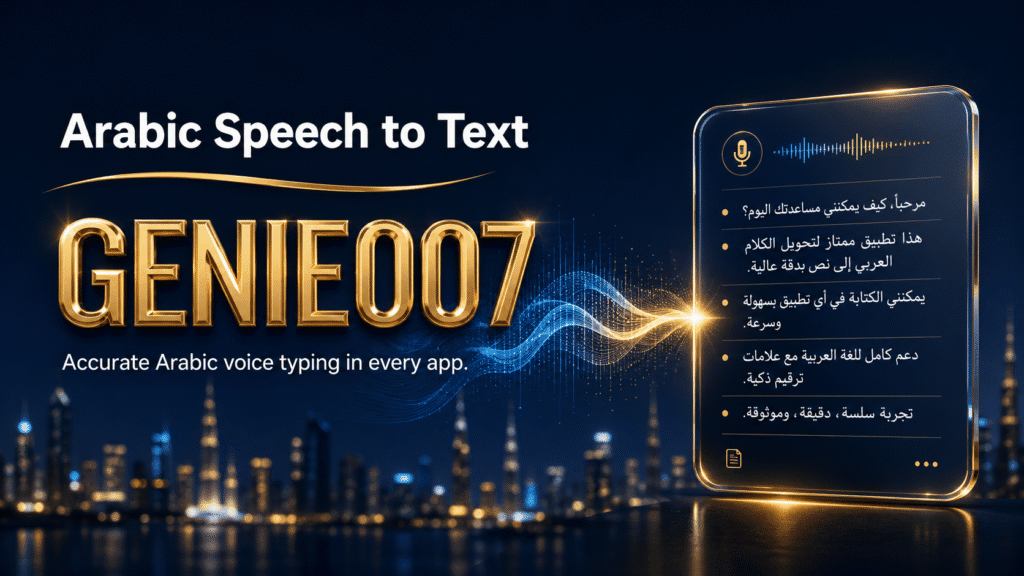
Genie 007 has a dedicated Arabic speech-to-text mode built for exactly this: it recognises MSA and the major regional dialects and turns spoken Arabic into accurate text without you touching a keyboard. Layer live translation on top, and the same spoken Arabic comes out as polished English, typed directly into whatever you’re working on.
Where Google Translate, Maestra, and Other Tools Fall Short
Google Translate’s conversation mode is free and supports 133 languages, and it handles Modern Standard Arabic reasonably well. But it’s a standalone app: you hold the phone, tap the microphone, wait for the bubble to appear, then read or copy the English out into wherever you actually need it — Gmail, a CRM note, a Slack thread. It also visibly struggles once speech drifts into Egyptian, Gulf, or Levantine Arabic rather than formal MSA, which is how most people actually talk.
Maestra is a genuinely strong arabic to english audio translator for a different job: media localisation. It supports MSA plus 15+ regional dialects — Egyptian, Gulf, Saudi, Kuwaiti, Moroccan, Lebanese, Syrian, Jordanian, and more — across both live and uploaded audio, with subtitle and voiceover output. Pricing starts around £18/month (billed annually) for 180 minutes on the Lite plan, or roughly £9 pay-as-you-go per 60 minutes. That’s excellent for a podcast team or documentary editor. It’s overkill, and the wrong shape, for someone who just needs a WhatsApp voice note turned into an English reply in the next thirty seconds.
ElevenLabs and HappyScribe sit in a similar lane: ElevenLabs’ audio translation and dubbing tools are built for content creators repurposing videos across languages, and HappyScribe generates Arabic subtitles from uploaded files. Both are upload-first, file-based tools — you feed them a recording, wait for processing, then export or copy the result. None of the four are designed to sit inside Gmail or WhatsApp and type English as you speak Arabic into the conversation itself.
Genie 007 as an Arabic to English Voice Translator, Live
This is where Genie 007’s live translation earns its place. You open Gmail, WhatsApp Web, Slack, or literally any text field on Windows, Mac, mobile, or in the browser extension, speak in Arabic, and English text appears — already punctuated, already phrased naturally, already sitting in the message you were writing. There’s no separate translator window, no export, no paste.
A concrete example: a hiring manager in London gets a WhatsApp voice note in Gulf Arabic from a candidate in Riyadh. Instead of opening a translation app, replaying the note, and typing out a rough English gloss, she opens her reply box, plays the voice note through her speakers, and speaks the reply she wants in English while Genie 007 handles the arabic voice translation for anything she quotes back. Or she can dictate her own English reply directly — either direction, same tool, same window.
This matters because it’s arabic to english voice translation for real conversations, not a translation kiosk. It’s also part of a much bigger toolset — the same live translation engine covers 140+ languages for voice typing, so an Arabic-English pair today can be a French-German pair tomorrow without switching products. If your day involves more back-and-forth conversation than dictation, the live voice translation app walkthrough covers the meeting and call use case in more depth.
A second example, in a support team: an agency’s client success lead in Manchester supports e-commerce accounts across Saudi Arabia and Egypt. Arabic messages come in through Intercom and Instagram DMs all day. Rather than switching to Google Translate for every thread, she keeps Genie 007 running in the browser, speaks her English reply while listening to the Arabic message, and sends it from inside Intercom itself. Genie Mode can also draft the reply’s tone — brief and friendly for Instagram, more formal for an escalation email — instead of producing a flat, literal translation.
Because Genie 007 processes voice on-device rather than sending audio to a server, none of this — the customer’s Arabic message, the agent’s English reply, the account details mentioned in between — leaves the browser. Genie 007 uses AES-256 encryption, stores no audio, and keeps zero logs, which matters more in translation work than almost anywhere else: you’re often handling someone else’s private conversation, not just your own notes.
Accuracy Across Arabic Dialects: MSA, Egyptian, Gulf, and Levantine
Arabic accuracy lives and dies on dialect. Modern Standard Arabic is the formal, standardised form used in news broadcasts and official documents — it’s the easiest for any tool to handle because it’s consistent. Real speech rarely stays there. Egyptian Arabic dominates entertainment and everyday conversation across North Africa; Gulf Arabic (Saudi, Emirati, Kuwaiti) has its own vocabulary and vowel patterns; Levantine Arabic (Lebanese, Syrian, Jordanian, Palestinian) diverges again in pronunciation and idiom. A translator tuned only for MSA will mishear or mistranslate a good chunk of casual Gulf or Levantine speech.
Genie 007 is built to understand accents, tone, and context rather than expecting textbook pronunciation, which is why it handles regional Arabic speech reasonably well in everyday use — voice notes, meetings, casual messages. Where it’s honest to say Maestra has the edge is dedicated, named dialect models (its own marketing lists MSA plus 15+ specific regional variants) built for professional subtitling and broadcast localisation. If your job is producing dialect-labelled subtitles for a documentary, that specialised tooling is worth the extra step of exporting and importing. If your job is replying to people in English all day, every day, across dozens of short messages, having the translation live inside your actual apps outweighs a marginal accuracy edge on any single dialect.
It’s also worth being honest about where a live, in-app translator has real limits: heavy background noise, multiple people talking over each other, or very fast colloquial speech with a lot of code-switching between Arabic and English mid-sentence can all reduce accuracy, in Genie 007 and in every competitor mentioned here. For anything legally or medically sensitive, a human bilingual reviewer should still check the output before it goes anywhere final.
Comparing Your Options
Every tool in this space can technically move Arabic speech into English text — the real difference is where that text lands and how much manual work sits in between. The table below lines up Genie 007 against the tools most often searched alongside it.
| Tool | Types straight into Gmail/WhatsApp/Slack | Dialect coverage | Live speech | Entry pricing |
|---|---|---|---|---|
| Genie 007 | Yes, any focused text field | MSA + regional accents, context-aware | Yes | £5/month |
| Google Translate | No — separate app, copy/paste | Strong on MSA, weaker on dialects | Yes (conversation mode) | Free |
| Maestra | No — export/import workflow | MSA + 15+ named dialects | Yes | ~£18/month |
| ElevenLabs / HappyScribe | No — upload, process, export | Varies by tool | Mostly file-based | Free tier / paid tiers |
For quick voice-note translation specifically, the workflow in translate voice notes to English walks through the exact button-by-button process on WhatsApp and Telegram. And if your Arabic-English work is mostly written correspondence rather than chat, writing emails by voice in any language shows how Genie Mode drafts the whole reply, not just a literal translation.
Frequently Asked Questions
Is there an app that translates Arabic speech to English instantly?
Yes — Genie 007 is an arabic to english voice translator that works instantly inside the app you’re already using. Speak Arabic and English text appears directly in Gmail, WhatsApp, Slack, or any text field, with no separate translator window or copy-pasting step.
How accurate is Arabic to English voice translation?
Accuracy depends heavily on dialect and audio conditions. Modern Standard Arabic translates most reliably across every tool tested; Egyptian, Gulf, and Levantine Arabic are harder and vary by tool, and background noise or overlapping speakers reduces accuracy in any translator, including Genie 007.
Can voice translators handle Egyptian, Gulf, and Levantine Arabic, not just Modern Standard Arabic?
Some can. Genie 007 understands accents, tone, and context rather than requiring formal MSA pronunciation, so everyday Egyptian, Gulf, and Levantine speech translates reasonably well; Maestra goes further with 15+ named dialect models built specifically for professional subtitling work.
Does Google Translate work well for spoken Arabic?
Google Translate’s conversation mode handles Modern Standard Arabic reasonably well but struggles more with regional dialects like Egyptian, Gulf, and Levantine Arabic. It’s also a standalone app, so the translated English still has to be copied into wherever you actually need it.
Can I translate Arabic voice notes to English text automatically?
Yes. Play the voice note through your speakers with Genie 007 running and it converts the spoken Arabic into typed English text in real time, directly inside your reply box on WhatsApp, Telegram, or email, without exporting the audio anywhere.
Try Genie 007 Free
If you’re tired of the record-open-app-copy-paste loop every time Arabic and English need to meet in the middle, Genie 007’s live translation puts the whole thing inside one keystroke.
Download Genie 007 free — available for Windows, Mac, mobile and as a browser extension. No credit card required.
Written by Bill Kiani, founder of Genie 007.