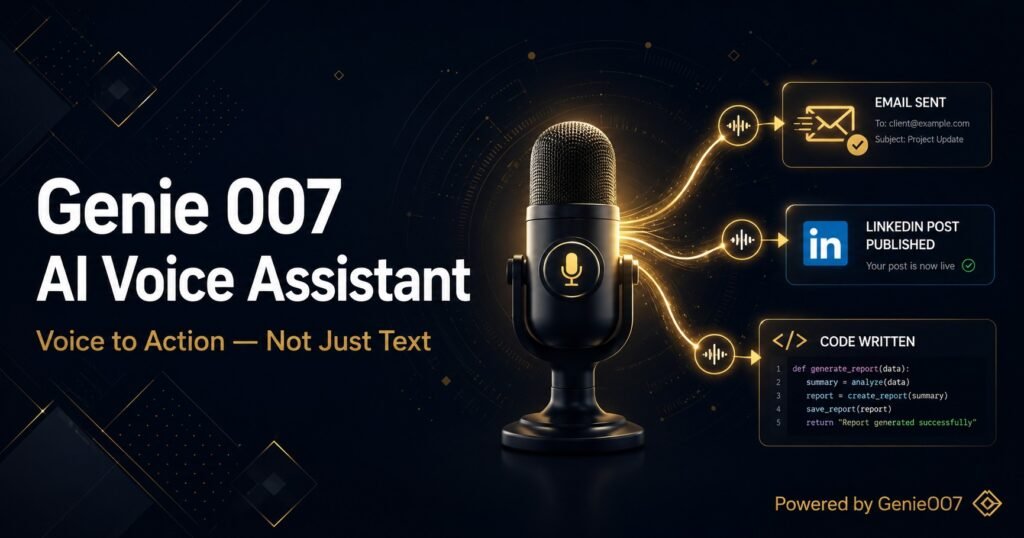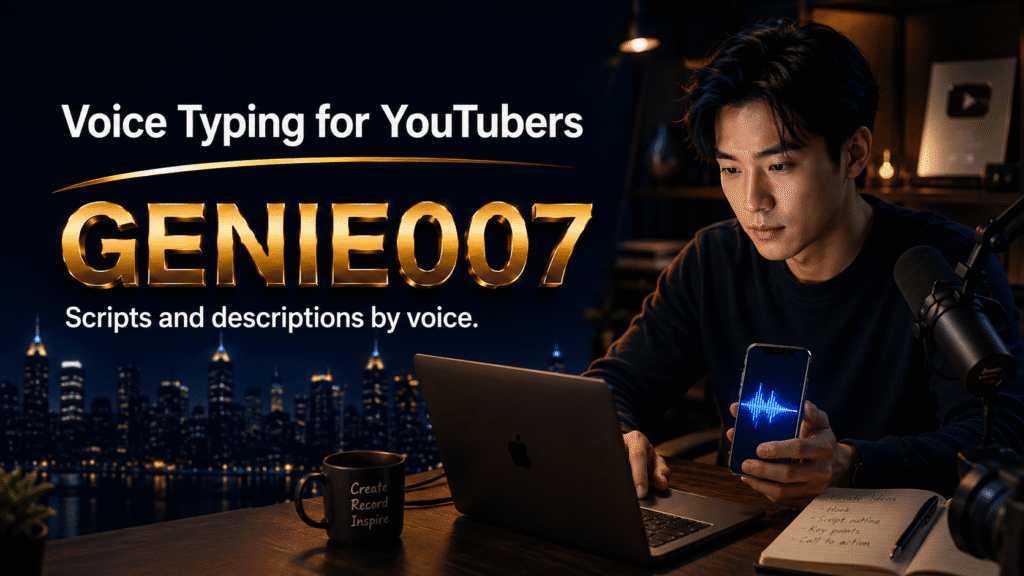
YouTube creators face a significant time drain before a single frame rolls. Beyond filming and editing, there’s the script to draft—often hundreds of words shaped to match your pacing and tone. Then come the title (testing variations for CTR), the 5,000-character description (with timestamps, links, SEO keywords), community posts, and pinned comments. A full-time creator producing three videos per week spends roughly eight hours weekly on this writing alone. That’s where voice typing for YouTube transforms the workflow: dictate your script in real-time, generate polished titles instantly, and draft descriptions while reviewing footage. Genie 007’s think-to-text approach goes further—it doesn’t just transcribe your voice; it executes your intent, crafting complete, platform-aware text from a single spoken thought.
Why Scripting by Keyboard Costs Creators Time
Traditional scripting is a friction spiral. Most creators start with loose notes, then sit at a keyboard to write sentences they’ll read aloud. The problem: writing and speaking are different; what reads smoothly silently often feels stiff when voiced. So you rewrite, practise the timing, rewrite again. Add SEO keyword targets (you want the title to rank, the description to include related search terms), and you’re fact-checking, rephrasing, and fitting everything into YouTube’s layout constraints. Keyboard-first workflows are especially punishing for creators with RSI, arthritis, or simply anyone who finds typing slower than thinking.
Titles carry disproportionate weight. A 60-character limit forces pruning; a badly weighted keyword loses impressions. Most creators test two or three title variations in YouTube Studio and pick the one with the best analytics after a week. Voice typing lets you brainstorm five titles in two minutes, hear how each one flows, and ship faster. Community posts, pinned comments, and email newsletters face the same friction—each is another writing task stacked on top of the core creative work.
Voice Typing for YouTube Scripts: A Workflow That Works
Imagine opening YouTube Studio after filming wrap. Instead of opening a text editor, you open Genie 007 on your device or browser and hit record. You narrate your intended script—natural, loose, the way you’d explain the idea to a friend. Genie 007 transcribes with automatic punctuation, formatting, and your personal writing style baked in. No “comma, period” commands; no cleaning up “ums” and “ahs” (it handles those). The result is a 90% finished script ready for fine-tuning pacing or adding graphics cues. Experienced creators report cutting script polish time from 45 minutes to 12.
For titles, the workflow is even tighter. Speak three variations: “My honest take on why creators fail shorts | 2026 edition” → “Why Most Creators Fail at YouTube Shorts (And How to Fix It)” → “YouTubers Failing at Shorts? Here’s Why.” Genie 007 outputs all three in seconds. Read them aloud—actually hear the emphasis—and pick the one that lands. Your thumbnail artist and editor will thank you for clarity; your audience will reward you with click-throughs.
Descriptions are the often-neglected workhorse. A well-written one includes your main keyword early, timestamps (if applicable), social links, CTAs, and tags in the YouTube-compatible format. Dictating saves you from tab-switching between Google Docs and Studio. Voice type your description, refine hyperlinks inline, and paste it straight in. For creators managing multiple channels or collaborating with a team, this is the difference between bottleneck and flow.
Think-to-Text: When Voice Dictation Becomes Intention Execution
Standard voice-to-text tools transcribe what you say, literally. Genie 007 operates on a different principle: it listens to your intent and delivers what you mean. This matters for YouTube creators because creating content is about intent. When you record a voiceover, you’re not trying to transcribe; you’re trying to communicate an idea at a specific pace with a specific tone. Genie Mode—Genie 007’s think-to-text flagship feature—captures that intent and outputs polished, contextual text.
Here’s the concrete difference. If you say, “Make a title that’s punchy, YouTube algorithm friendly, and about why reels outperform long-form,” a standard tool transcribes the words. Genie Mode understands your instruction and generates three ready-to-use titles matching your criteria. No editing needed. For community posts, you can say, “Encouraging comment asking viewers to share their biggest creator struggle in the comments with a joking tone,” and Genie Mode writes it. This isn’t dictation; it’s delegation to an AI that knows YouTube’s tone and rules.
The platform awareness matters too. Genie 007 outputs text that’s casual for YouTube comments, professional for your email newsletter, conversational for community posts. You don’t rewrite for each platform; one voice command, one platform-appropriate response. That’s the efficiency multiplier.
Accuracy and Confidence: Holding Your Standards
A legitimate concern: won’t voice typing introduce errors? In quiet environments, modern dictation achieves 95%+ accuracy for English. Genie 007 performs well even in modest ambient noise, thanks to its trained models. For creators, the workflow is: dictate, scan for sense, correct any names or niche terminology (if you’re covering niche coding topics, for instance), and ship. Most creators find they’re faster this way than from-scratch typing, even factoring in a quick proofread.
Privacy is also relevant for creators handling sensitive content (technical vulnerabilities, business strategies you’re not ready to publicise). Genie 007 encrypts your audio in transit, processes it in real time and stores no recordings and no transcripts. Your script stays private. Your title ideas stay private. Nothing stored after processing, encrypted in transit and at rest, GDPR compliant. For creators conscious of idea theft or competitive reconnaissance, this is a material advantage.
Multi-Platform Leverage: One Voice Command, Everywhere You Post
Top creators don’t just post to YouTube. You’re clipping shorts, writing TikTok captions, posting to Instagram Reels, threading on X, and maintaining a newsletter. Voice typing for content creators extends naturally across your entire ecosystem. Dictate a concept once; adapt it across platforms. Genie 007 works inside Gmail, Outlook, LinkedIn, X, Instagram, Slack, Notion, and 30+ other apps. You’re not voice typing inside Studio then switching to another tool for captions or emails; you’re one voice, one command, everywhere.
This matters for consistency. Your tone, your vocabulary, your style—Genie 007 learns it and applies it across all platforms. A creator managing brand voice across six channels suddenly operates like a small team.
Getting Started: Three Paths to Voice-Driven Workflows
If you’re on Mac, Windows, mobile, or using Chrome, Genie 007 is available immediately. Windows creators install the app from Genie 007’s site; Mac users do the same. Mobile creators download the app. Chrome users add the browser extension to YouTube Studio itself—no switching between apps. The free trial requires no credit card; try Genie Mode for scripting a full video’s worth of content, test voice typing on three titles, and draft one description. Most creators know within a trial session whether this fits their workflow.
The learning curve is minimal. Hit record, speak, watch it transcribe or generate as you talk. Adjust accents or language settings if needed (Genie 007 supports 140+ languages and live translation). Within two sessions, you’ll have muscle memory for which commands suit which tasks—Genie Mode for titles and conceptual work, voice typing for raw scripts and descriptions.
Addressing the “But What About My Editing?” Question
Some creators worry that outsourcing the writing process means losing creative control. In practice, voice typing is faster editing, not less editing. You’re capturing 80% of your idea instantly and refining the remaining 20% with intention rather than typing from scratch. For titles, you’re brainstorming faster. For scripts, you’re capturing your natural pacing (which is closer to how you’ll perform the voiceover anyway). Editing the transcript is quicker than composing it.
The real efficiency gain is in the repetitive tasks: titles, descriptions, community posts, and email updates. These are where voice typing shines because they’re high-volume, lower-complexity tasks. Your 30-minute scripting session becomes 8 minutes dictation plus 2 minutes refinement.
Frequently Asked Questions
Does voice typing work if I’m recording in a studio with background noise?
Genie 007 handles modest studio noise well, though a quiet recording environment is ideal for the best results. If you’re dictating your script in a separate quiet space (not during filming), you’ll get 95%+ accuracy. For more challenging noise environments, use voice typing for high-level notes during filming, then full script dictation in a quiet space later.
Can I use voice typing for YouTube if I’m not a native English speaker?
Yes. Genie 007 supports 140+ languages and understands accents, regional dialects, and non-native English speakers naturally. You can also use live translation: speak in your native language and get output in English (or vice versa). Many international creators use this to maintain their native accent in voiceovers whilst generating polished English captions and descriptions.
What if I need to voice-type a YouTube description with special characters, timestamps, and links?
Dictate the description naturally, then refine links and timestamps inline. Genie 007 outputs plain text; you paste it straight into YouTube Studio and add hyperlinks there. This is still faster than typing from scratch and fact-checking as you go. For regular descriptions with a template (timestamps, social links, merch), you can create a saved snippet and dictate the variable parts.
Is my script idea or description private when I use Genie 007?
Completely private. Genie 007 encrypts your audio in transit, processes it in real time and stores no recordings and no transcripts. It is encrypted in transit and at rest, and nothing is stored after processing.
Can I use Genie 007 for community posts and pinned comments on YouTube?
Yes. Genie 007 works directly inside YouTube’s community tab and comment interface. Dictate your community post in seconds, refine it, and publish. The same applies to pinned comments—voice type, review, post. This is where high-frequency creators save the most time: every video gets 2–3 community posts and a pinned comment. At 3 videos per week, that’s 15 small writing tasks. Voice typing cuts these from 20 minutes total to 4 minutes.
Try Genie 007 Free
YouTubers who’ve switched to voice dictation report reclaiming 4–6 hours per week—time that goes into filming more videos, building community, or simply resting. Your script, titles, and descriptions are where Genie Mode shines: speak your idea, get platform-aware, polished text back instantly. After your free trial, flexible plans start at £5/month.
Download Genie 007 free — available for Windows, Mac, mobile and as a browser extension. No credit card required.
Written by Bill Kiani, founder of Genie 007.