Delivering multilingual customer support to a global audience means spending hours translating messages, context-switching between languages, and scrambling to hire staff who speak every customer’s native language. Support teams serving Spanish, French, German, Japanese, and Mandarin customers face a grinding reality: each language switch costs focus, context, and time. Even bilingual support staff can’t speak every customer’s language fluently enough to solve complex problems with confidence. Copy-pasting text into translation apps, waiting for results, translating back — it’s slow, error-prone, and frustrating for customers stuck waiting.
The problem deepens when support teams need to maintain quality across languages. A native English speaker using Google Translate to handle Japanese customer complaints risks missing nuance, tone, and cultural context. Outsourcing language support to external translation services adds cost and delays. Hiring polyglot staff at scale is expensive and unrealistic for small-to-medium teams. For global B2B and B2C companies, multilingual customer support has become a cost centre that quietly kills efficiency.
Why Traditional Multilingual Support Systems Fail
Most support teams rely on one of three approaches, each with fatal limits. First: hire multilingual staff. This works for 1–2 languages but becomes prohibitively expensive and hard to scale. Your team speaks English, French, and Spanish fluently — but what about Mandarin, Arabic, or Korean customers? You’re back to translating manually or turning customers away.
Second approach: use a translation SaaS (like Google Translate) integrated into your ticketing system. Sound convenient? In practice, support agents still switch context between original text and translation, copy-paste output into their tools, fix translation errors by hand, then compose professional responses. For a 10-ticket hour in four languages, that’s 10 context switches alone. It’s bureaucratic and slow.
Third: employ a translation agency. Fast, accurate, but expensive — you’re paying per-word rates on every customer message. That £0.10–0.30 per word adds up fast when you’re handling hundreds of support tickets daily. And you’re still waiting for human turnaround time, not minutes but hours.
None of these approaches let your team think and respond naturally in the customer’s language while they work inside your actual support tools — Slack, email, Zendesk, Intercom, HubSpot. Your support reps are stuck translating instead of supporting.
Real Workflows: How Multilingual Support Works Today
Picture a support agent, Sarah, handling tickets in English and French. A German customer emails: “Ich kann meine Lizenz nicht aktivieren. Der Fehlercode ist 0x421.” Sarah copies the text. Pastes it into Google Translate. Reads back: “I cannot activate my license. The error code is 0x421.” She now understands the problem. She drafts an English response, translates it mentally to French for a French ticket coming in two minutes, then has to translate her English response back to German to send to the original customer — except Google Translate’s phrasing is stiff and corporate. She rewrites it. Four minutes gone. The customer is waiting. This cycle repeats 8 hours a day.
For larger teams, inefficiency multiplies. A ticket in Mandarin arrives; the agent isn’t a native speaker, uses a translation tool, gets 70% confidence, and hopes for the best. Customer clarifies. Another translation cycle. A native speaker would solve it in one conversation — but you don’t have one on staff. Machine translation also misses emotional context. A customer writes in Italian: “Non mi funziona nulla!” (Nothing works for me!). Standard translation outputs “It doesn’t work at all,” missing that they’re escalated and need empathy, not just facts. Your response lands cold. Satisfaction suffers.
Live Translation: The Bridge to Fluent Support
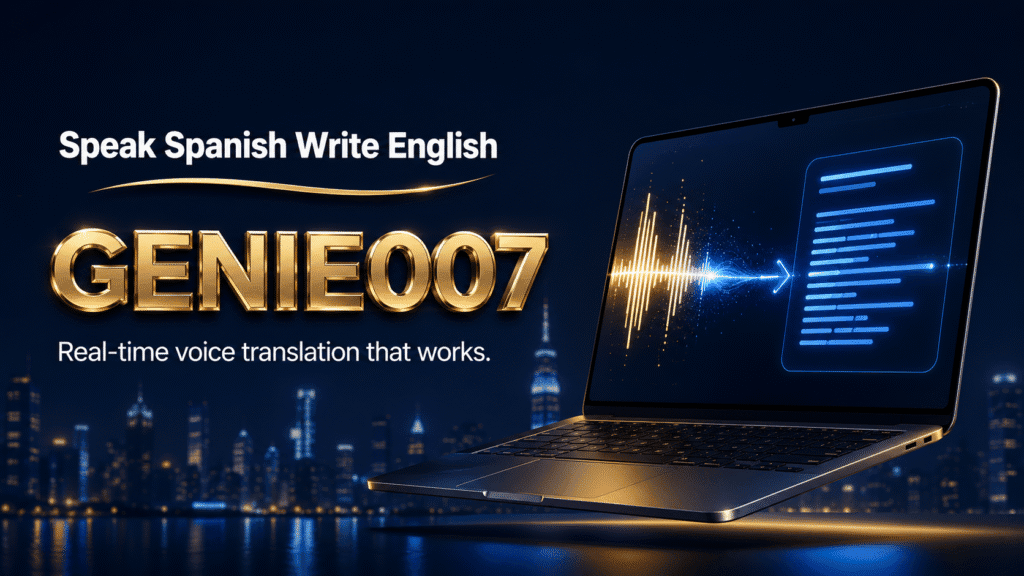
Imagine your support reps could simply speak their response in English and have it flow into the customer’s email, chat, or message in flawless Spanish, Japanese, Mandarin — whatever language the customer prefers. No copy-paste, no translation tool window, no context loss. Just think, speak, and send.
That’s what live translation inside Genie 007 enables. Your agent speaks naturally: “I understand your frustration. We’ve seen this issue before. Let me check your account activation logs.” Genie 007 translates that voice-to-text output into fluent Portuguese and sends it instantly to your Brazilian customer. The agent moves to the next ticket — no mental switching, no translation debt.
The workflow looks like this: agent opens a customer ticket in their native language, recognises it’s in German. They switch Genie 007’s output language to German, then speak their response. The system captures their intent (not a literal transcript), translates it to fluent German, and presents it for review before sending. The agent spends two seconds approving it and moving on. No translation tool, no copy-paste, no rewrites.
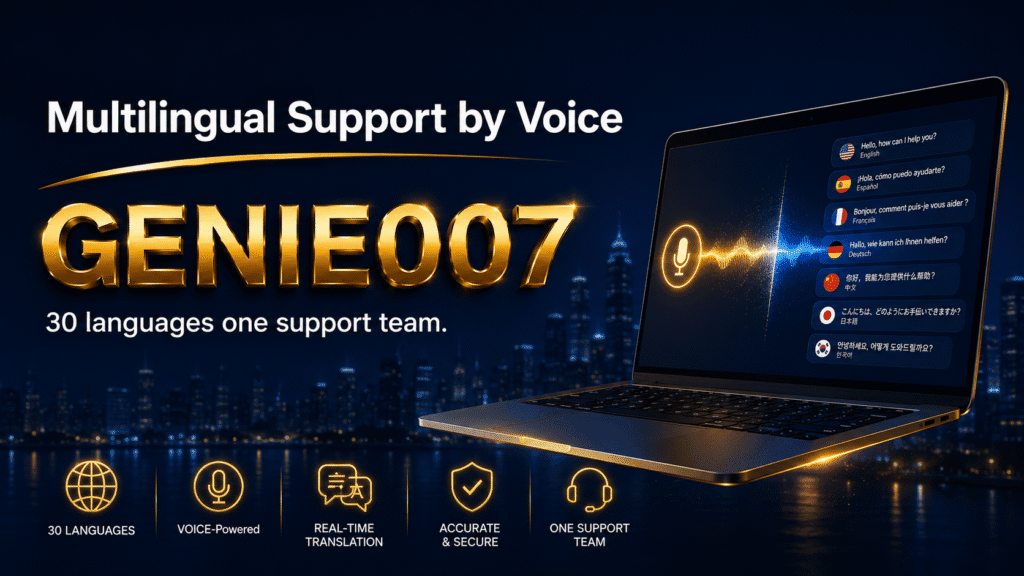
Genie 007 supports 140+ languages with live translation, including major variants: Mandarin (Simplified and Traditional), Spanish (Spain and Mexico), Portuguese (Brazil and Portugal), and regional accents within each language. It understands not just words but cultural context and tone. When you speak with empathy, the translation carries that tone to the customer’s language.
For support managers, this means one significant shift: you can hire excellent support staff who speak English fluently (or your team’s primary language) without requiring them to be fluent in 5+ customer languages. You scale language support horizontally without proportional hiring costs. A 10-person English-speaking team becomes effectively multilingual overnight.
Time Savings and Accuracy Gains
A concrete example: your support team handles 60 tickets a day across six languages. Currently, agents spend an average of three minutes per ticket on language overhead — copying to translation tools, reading outputs, correcting errors, formatting for the customer’s language. That’s 180 minutes (three hours) of wasted time daily, or 15 hours a week. With live translation in Genie 007, language overhead drops to 30 seconds per ticket (time to verify the translation before sending). That’s six hours saved weekly per agent — equivalent to hiring a part-time translator without the cost.
Accuracy improves because Genie 007’s think-to-text engine captures your intent, not literal words. When you speak, “We’re flagging your account for fraud review but you’ll be up and running within 24 hours,” the translation engine understands you’re offering reassurance, not just stating facts. It translates that intent into equivalent reassurance in the customer’s language. A standard word-for-word translator misses this layer entirely and produces a response that sounds robotic and cold in the target language.
Support staff also report reduced mental fatigue. Code-switching between five languages in an eight-hour shift is cognitively draining. With Genie 007 handling the translation layer, agents work mentally in their native language or primary language pair, which reduces errors from exhaustion and improves job satisfaction.
Integrating Live Translation Into Your Support Stack
Genie 007 works inside your existing support tools — email, Slack, Teams, Zendesk, Intercom, HubSpot. No system replacement needed. Install on Windows, Mac, mobile, or browser, set your output language to match each ticket, then compose responses via Voice Typing or Genie Mode. Genie 007 outputs polished text in the customer’s language. Review for approval and send.
Privacy is built in: all processing happens locally on-device or in-browser. Customer data, voice inputs, and ticket content stay private. No logging, no retention, GDPR and HIPAA ready.
Handling Edge Cases and Cultural Nuance
Live translation doesn’t erase all language complexity. Slang, highly technical jargon in niche fields, and regional idioms sometimes need manual tweaking. For instance, if a customer writes in Australian English and your response uses formal British English expressions, the tone mismatch might confuse them. Genie 007 handles this — you can train it to your team’s voice and regional preferences — but edge cases sometimes benefit from a quick manual review.
For critical support interactions (contract disputes, complaints, legal inquiries), a bilingual staff member should still review translated responses before sending. For routine technical support, password resets, and general inquiries, live translation with one-click approval is fast and reliable enough.
Cultural sensitivity matters too. A response appropriate in direct German (“No, we can’t do that”) might sound rude in Japanese (where indirectness is valued). Genie 007’s translation engine handles this to some degree, but training your team on cultural communication norms remains important. Use Genie 007 to handle the language barrier, not to replace human judgment about cultural fit.
Frequently Asked Questions
Does live translation work for all languages equally? Genie 007 supports 140+ languages, with strongest accuracy for major languages (English, French, Spanish, Mandarin, Japanese, German, Italian, Portuguese). Less widely spoken languages (like Icelandic, Estonian, or Swahili) work but may need more manual review. Check the language list at Genie 007’s multilingual page before relying on a specific language.
Can Genie 007 translate real-time customer calls or live chat? For asynchronous support (email, tickets, Slack messages sent between team members), absolutely. For live voice calls with customers, Genie 007 currently excels at one-way translation: you speak in English, customer reads polished text in their language. Two-way real-time conversation requires a different tool (like specialized call translation platforms). However, Genie 007 does handle Teams and Zoom meeting transcription and translation, so you could translate meeting notes post-call or prepare talking points pre-call in the customer’s language.
What happens to my customer data when using live translation? Genie 007 processes translation on-device (Windows, Mac) or in-browser (Chrome extension). No audio recordings, no transcript storage, no data sent to external servers. Your tickets, customer information, and your voice inputs remain private. GDPR and HIPAA ready if your industry requires it.
How long does it take to train a support team to use this workflow? Most agents pick up voice typing and live translation within an hour. Genie 007 has a free trial and simple setup guides for each platform (Windows, Mac, mobile, browser). Productivity gains typically show in week one; full team fluency by week two.
Beyond Support: Multilingual Workflows Across Teams
While this article focuses on customer support, multilingual voice AI with live translation helps other departments too. Sales teams can pitch in customer languages without hiring multilingual reps. Marketing can produce localised content faster. Product teams can review customer feedback in original languages without translation lag. Think-to-text voice AI delivers speed and clarity wherever language barriers slow you down.
Try Genie 007 Free
Stop translating every customer message manually. Let your team speak naturally, and let Genie 007 handle multilingual customer support with live translation across 140+ languages.
Download Genie 007 free — available for Windows, Mac, mobile and as a browser extension. No credit card required. Or explore pricing options for teams.
Written by Bill Kiani, founder of Genie 007.
Related reading: Genie007 for Customer Service Teams.